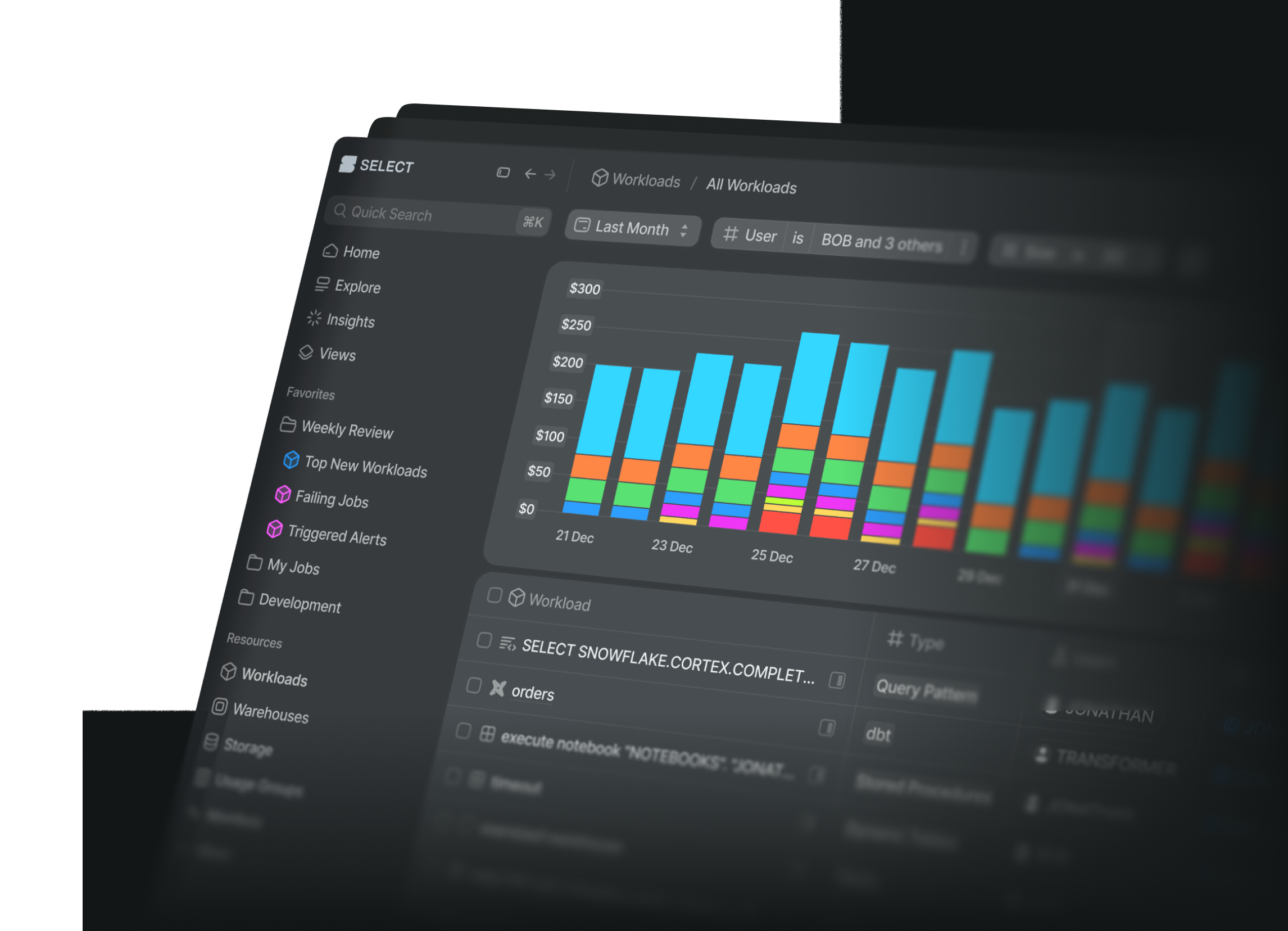
Feature overview
Connect Select Copilot to your favourite AI tools — Claude Code, Cursor, Codex, and more — using the Model Context Protocol (MCP). Ask the same questions you'd ask Copilot in the SELECT app or in Slack, but right from your terminal, editor, or chat client.
Install
Add this to ~/.snowflake/cortex/mcp.json (create the file if it doesn't exist):
Signing in
The first time you use Copilot from your client, a browser window will open for you to sign in to SELECT. After that you're good to go.