Modifying authentication settings is only permitted for users with Admin access on the SELECT Organization.
Authentication Management
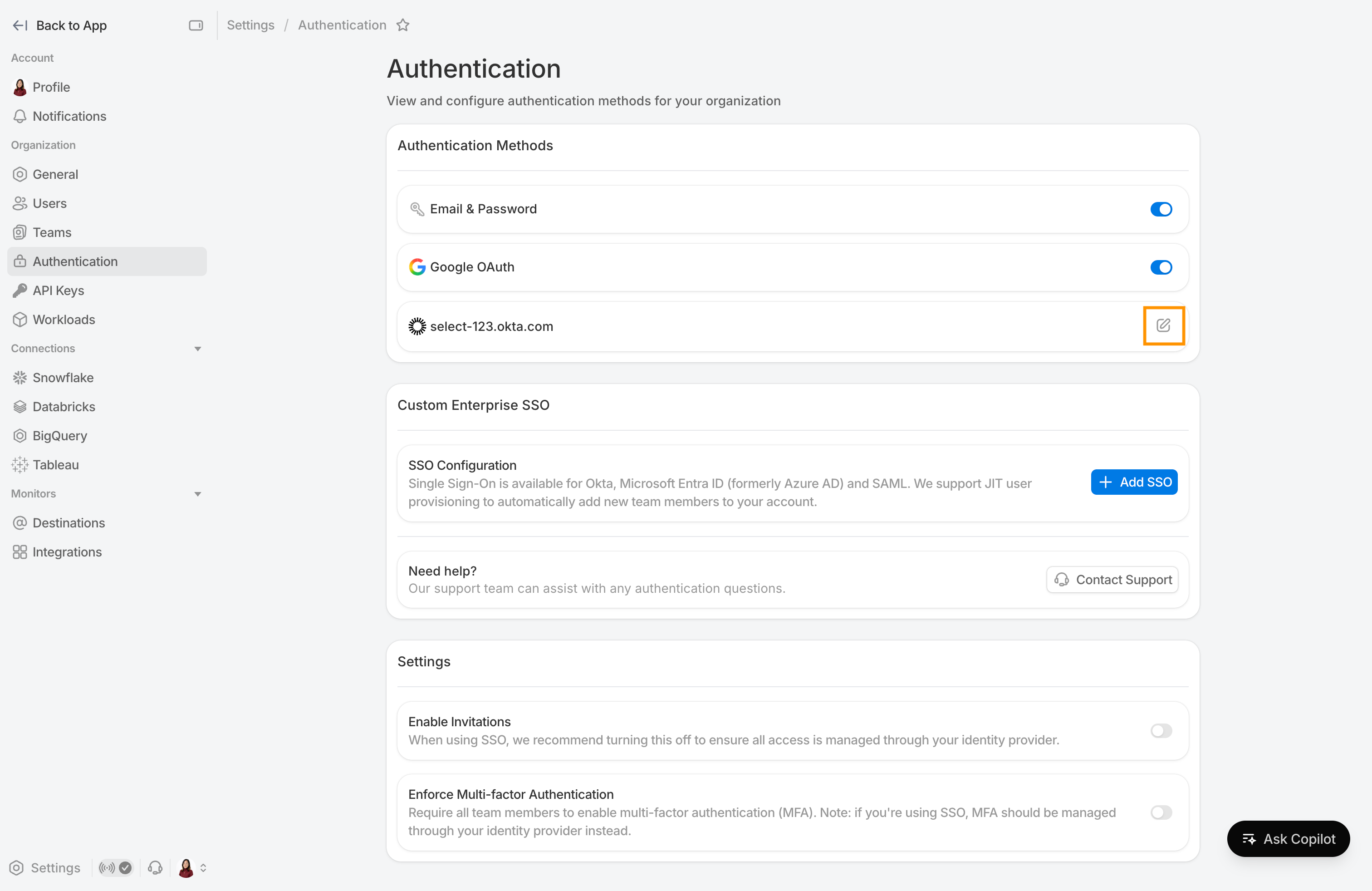
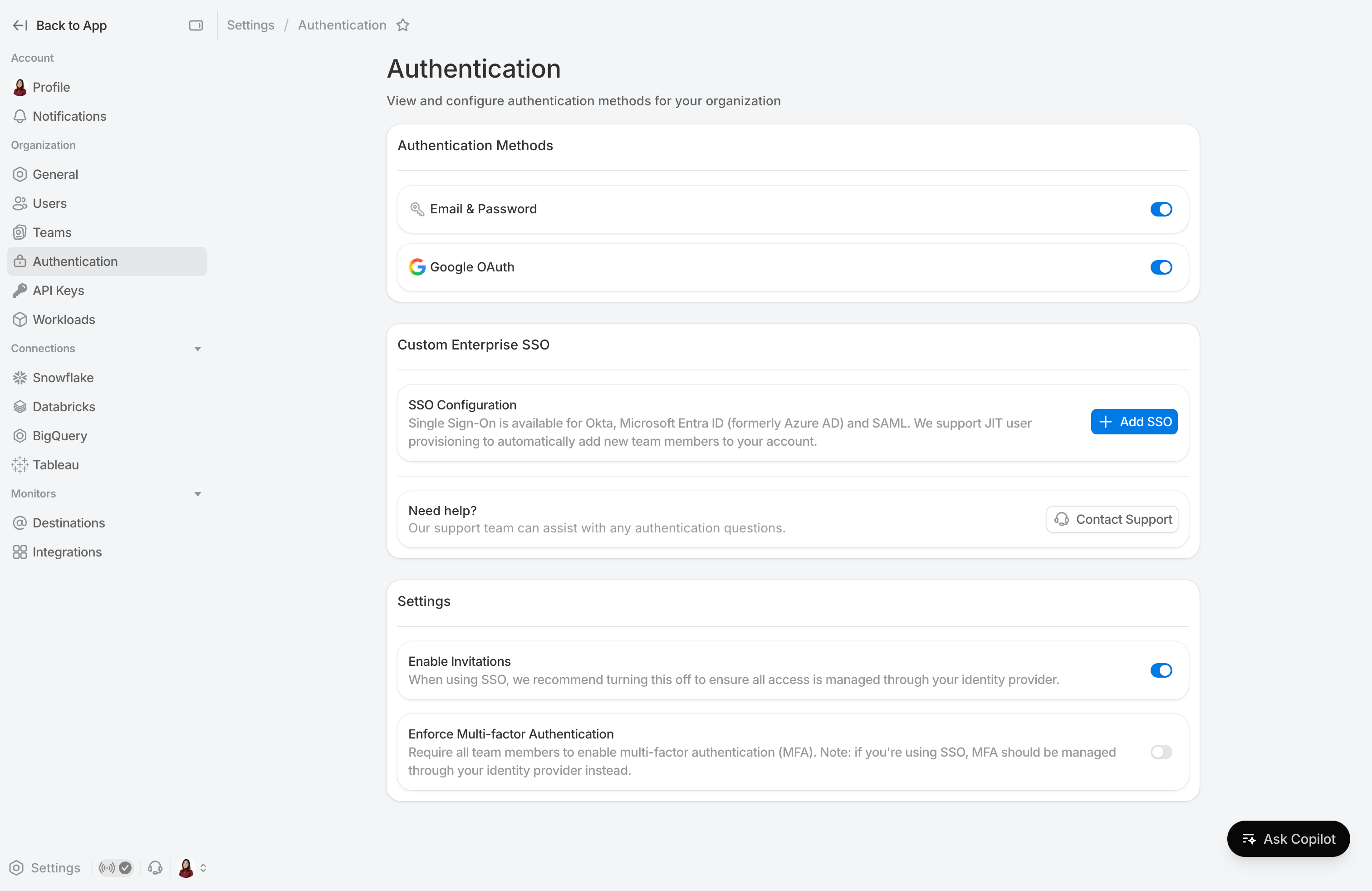
Authentication settings allow admins to configure how users sign in to SELECT and control org-wide access policies. They can be accessed by navigating to Settings → Authentication.
Email & password and Google OAuth authentication methods may be disabled (and re-enabled), which will prevent users from being able to login using that method. At least one method must remain active at all times to prevent lockout.
Manual user invitations via email may also be configured. They will be automatically disabled when SSO connections are first created and re-enabled if all SSO connections are removed.
When MFA enforcement is enabled, users who don't have it set up yet will be prompted to do so on their next login.
Enterprise SSO
Enterprise SSO is an add-on feature. Please contact SELECT to determine your eligibility and receive a quote.
All enabled enterprise SSO connections are listed under the Authentication Methods section along side the default methods.
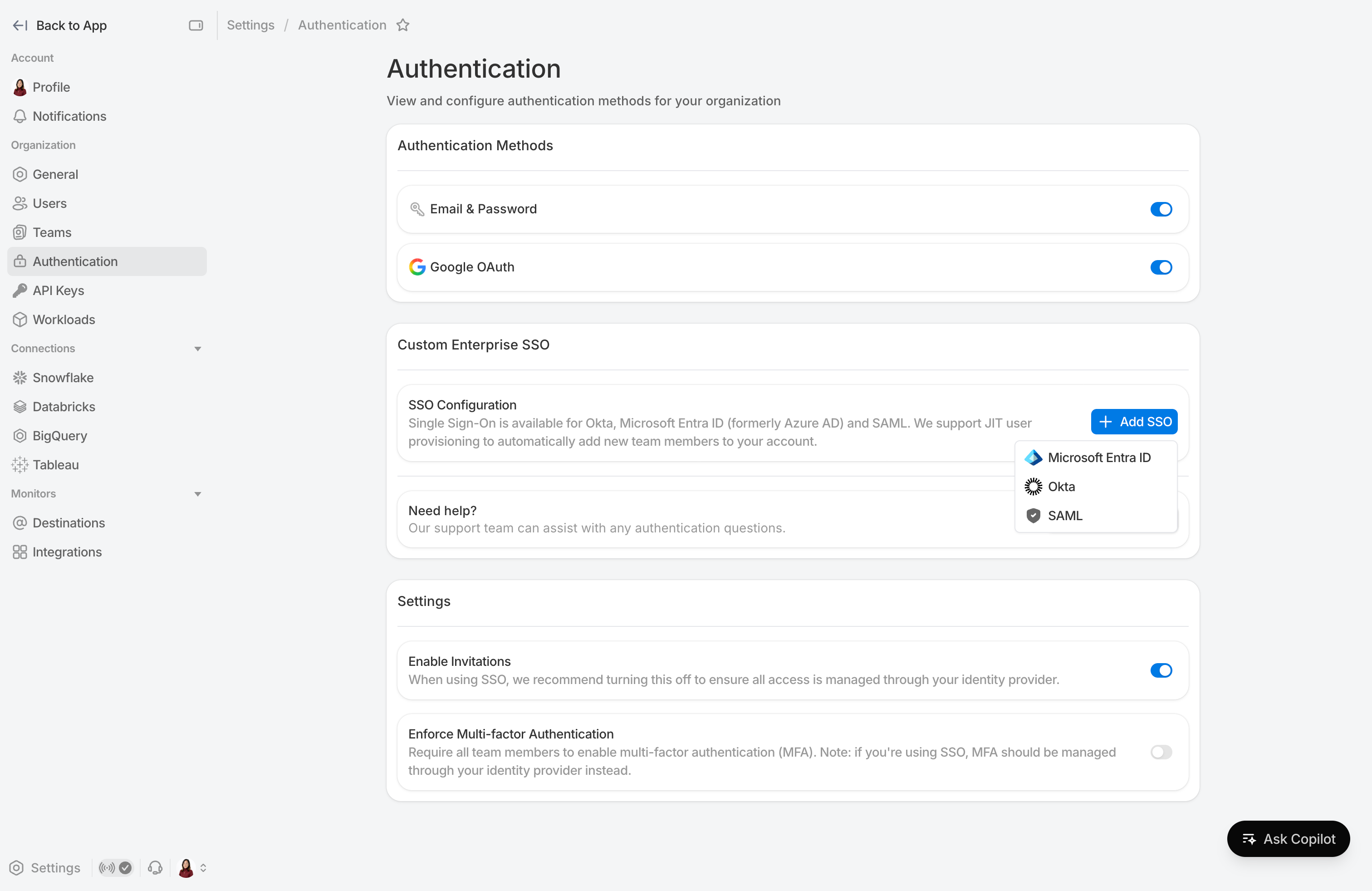
To set up a new SSO connection, click Add SSO and select your provider:
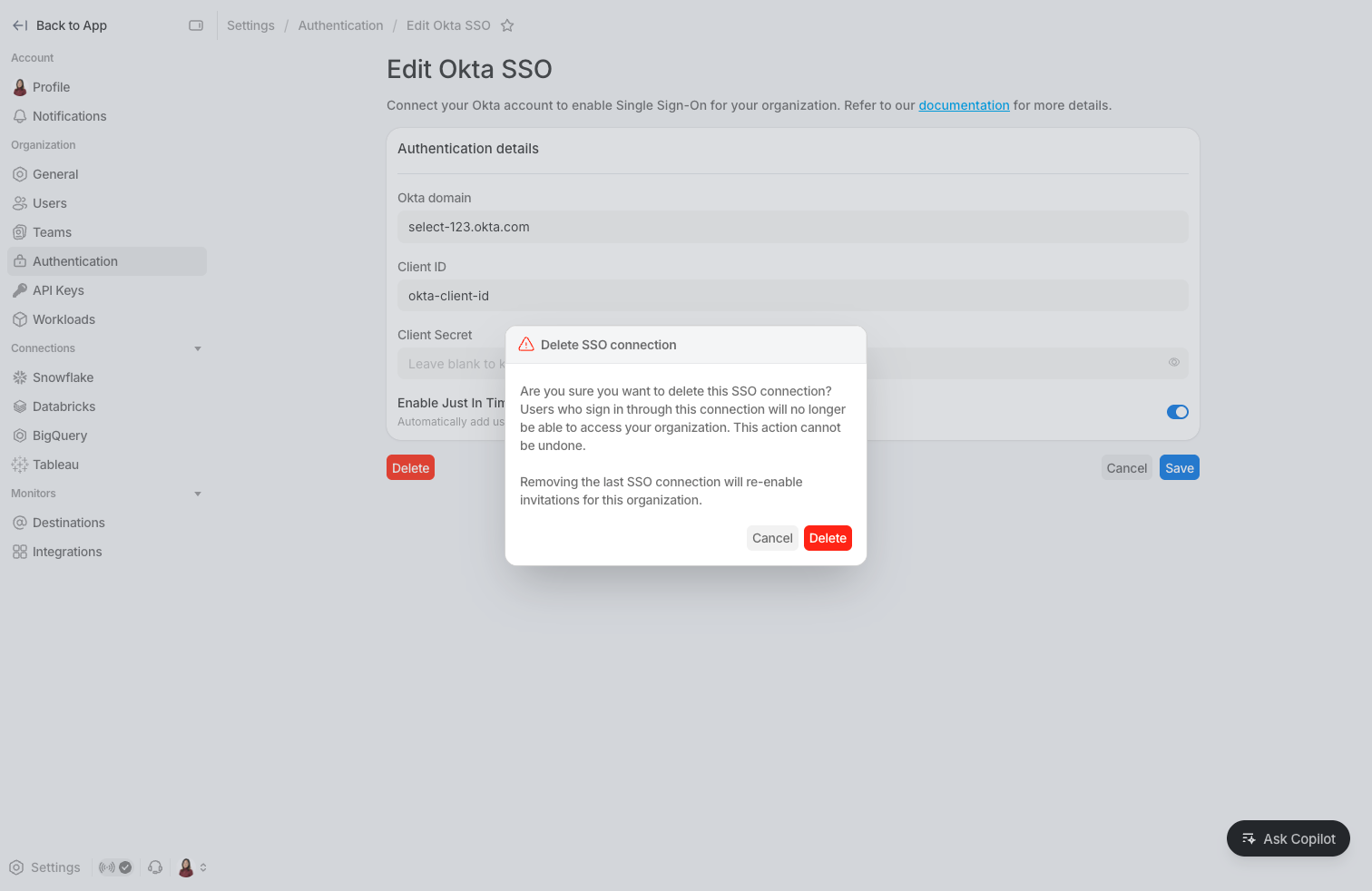
To update or remove an SSO connection, click the edit icon next to it.