

Self-serve Enterprise SSO
Tuesday, April 14, 2026
 Sarah ZhangProduct Engineer
Take full control of how your team signs into SELECT. Configure enterprise SSO, enforce MFA, and manage authentication policies — all from a single settings page, without waiting on support.
For teams that need centralized access control, setting up SSO has traditionally meant coordinating with the SELECT team to get your connection configured. Now you can do it yourself in minutes: head to Settings → Authentication, click Add SSO, and follow the guided setup for your provider.
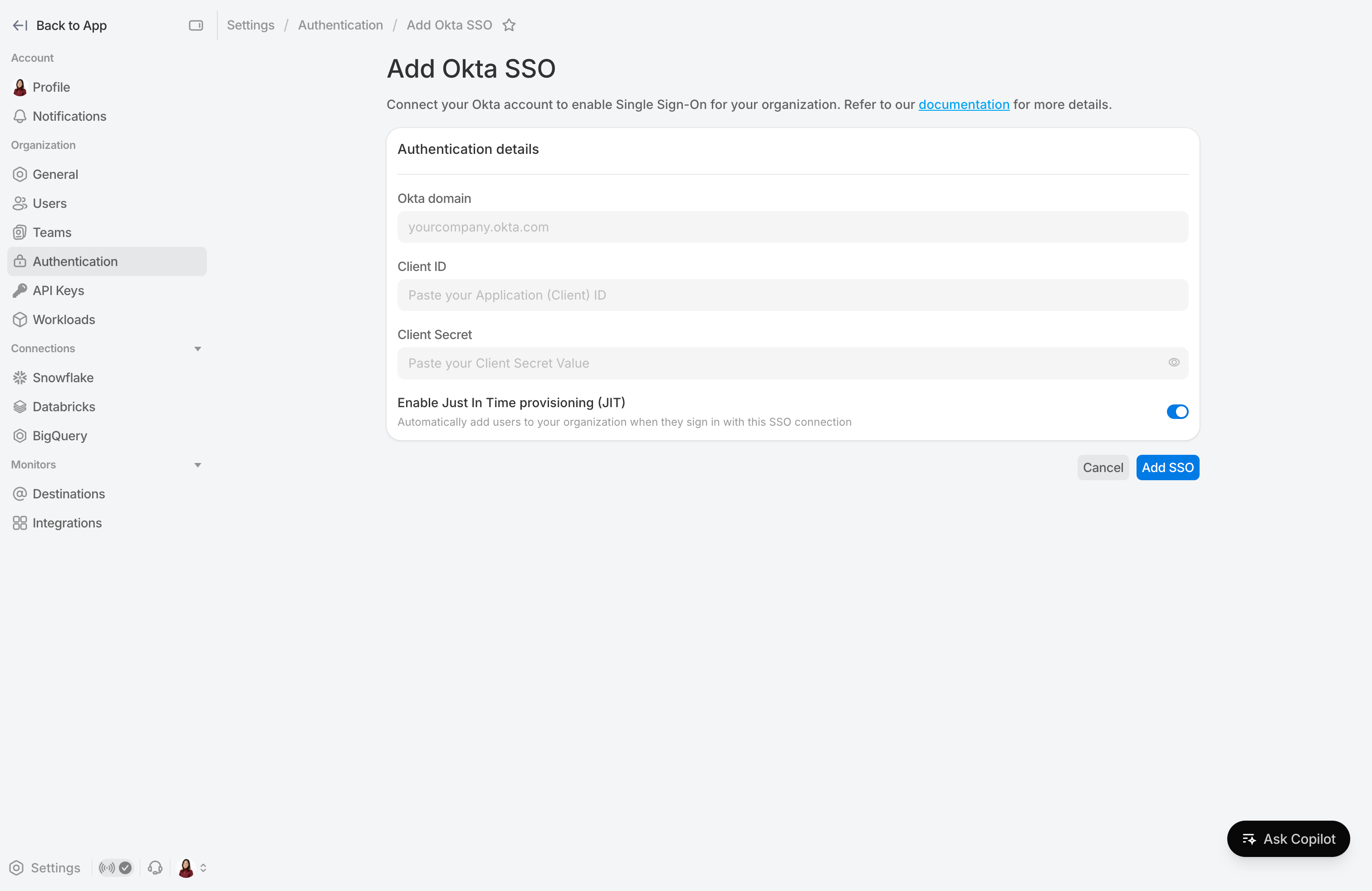
Connect your identity provider
Whether your organization uses Okta, Microsoft Entra ID, or another SAML-compatible identity provider, you can connect it to SELECT with a step-by-step guided setup:
- Okta — Connect using OIDC with your Okta domain, client ID, and client secret
- Microsoft Entra ID (Azure AD) — Register SELECT as an application in the Entra admin center and connect with your client credentials
- SAML Identity Provider — Connect any SAML-compatible IdP using the ACS URL, entity ID, sign-in URL, and X.509 signing certificate provided during setup
Centralized authentication controls
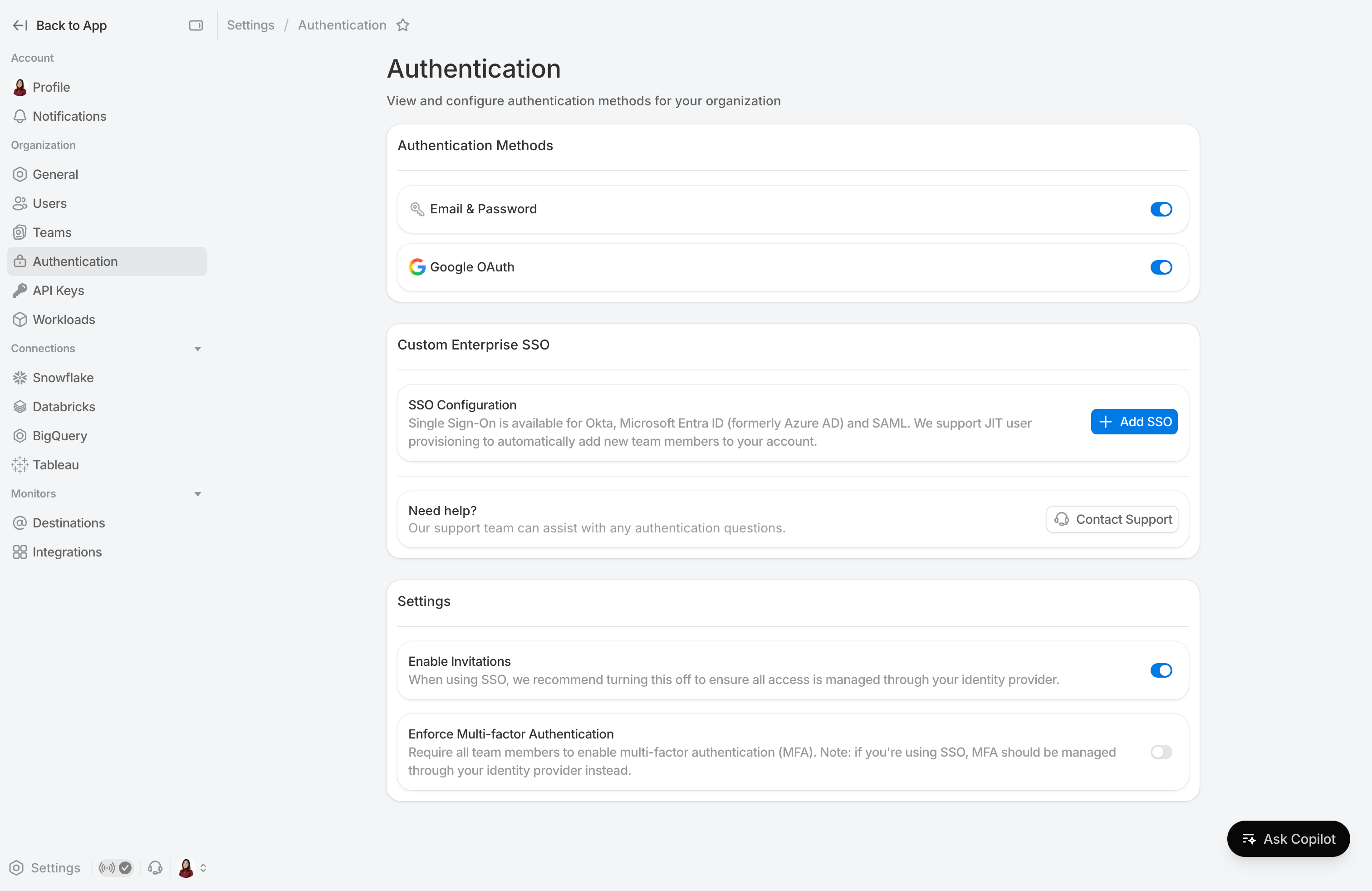
Beyond SSO, the Authentication settings page gives you a single place to manage how your entire organization accesses SELECT:
- Toggle sign-in methods — Enable or disable email & password or Google OAuth. At least one method must remain active to prevent lockout
- Enforce MFA — Require multi-factor authentication across your organization. Users who haven't set it up yet will be prompted on their next login
- Manage user invitations — Invitations are automatically disabled when an SSO connection is created and re-enabled when the last one is removed, so access stays in sync with your identity provider
- Update or remove connections — Rotate credentials or remove an SSO connection at any time, without needing to contact support
For step-by-step setup instructions, see the Authentication Management documentation.
Up next.Previous Changelog Entries.