Feature Overview
Take control of your cloud costs by setting budgets for teams, projects, or any combination of resources. SELECT tracks your spend and uses forecasting to predict whether you'll stay within budget—so you can take action before overruns happen.
Setting a Budget
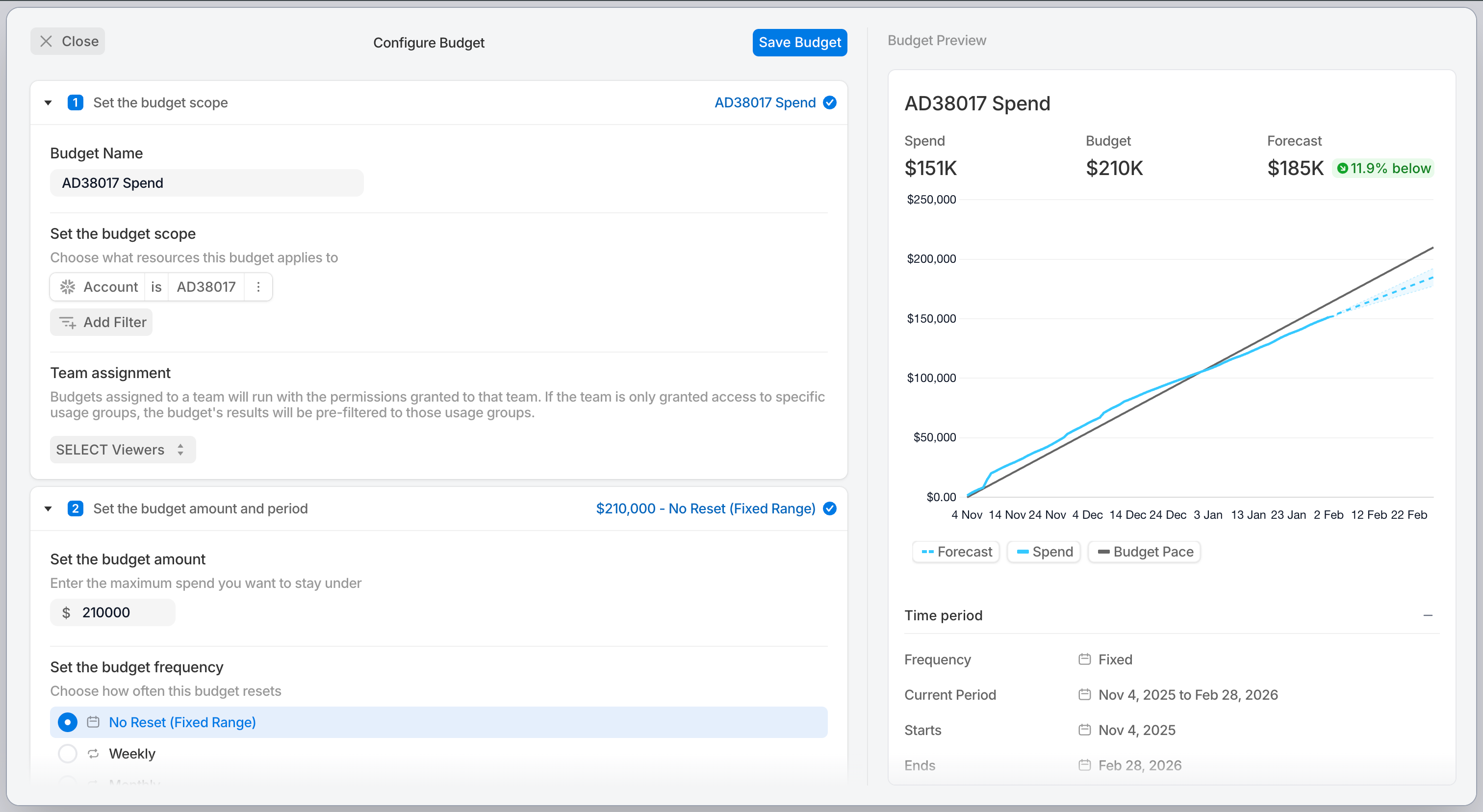
To create a new budget, navigate to the Budgets page from the sidebar and click Create Budget. The configuration form guides you through:
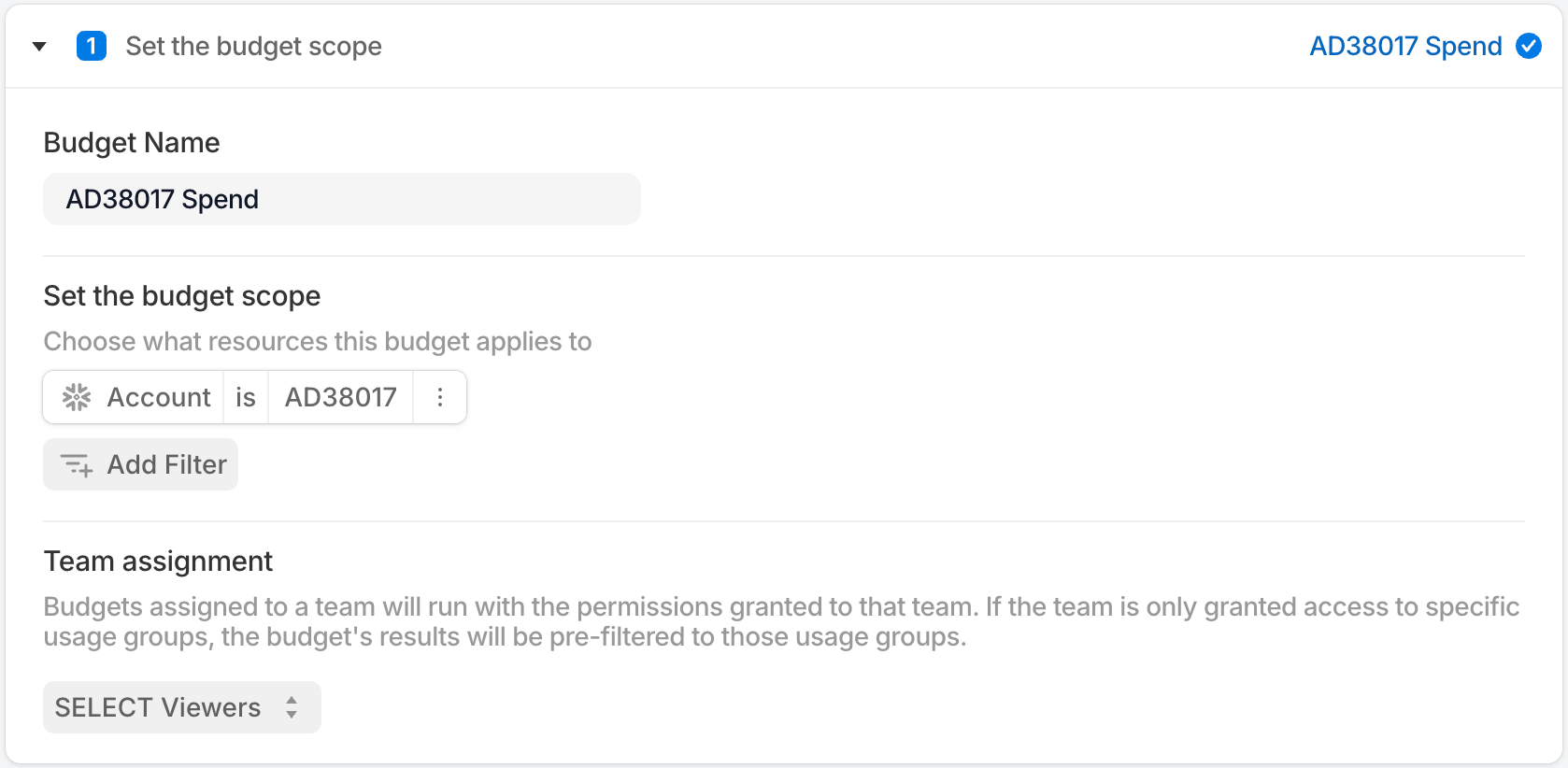
- Define Scope: Choose organization-wide or team-owned, and optionally add filters for specific warehouses, databases, users, roles, or query metadata (dbt, Looker, Fivetran).
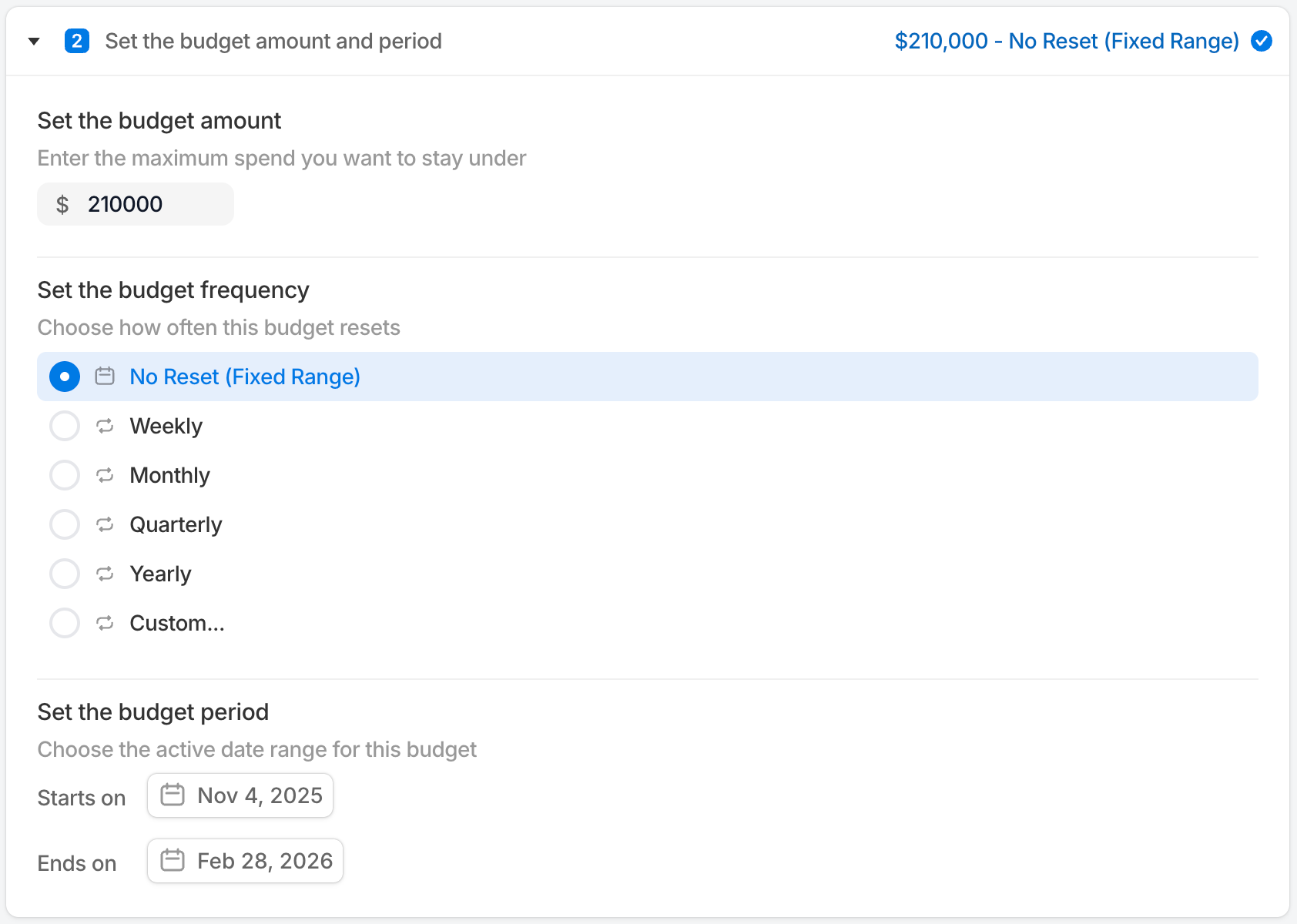
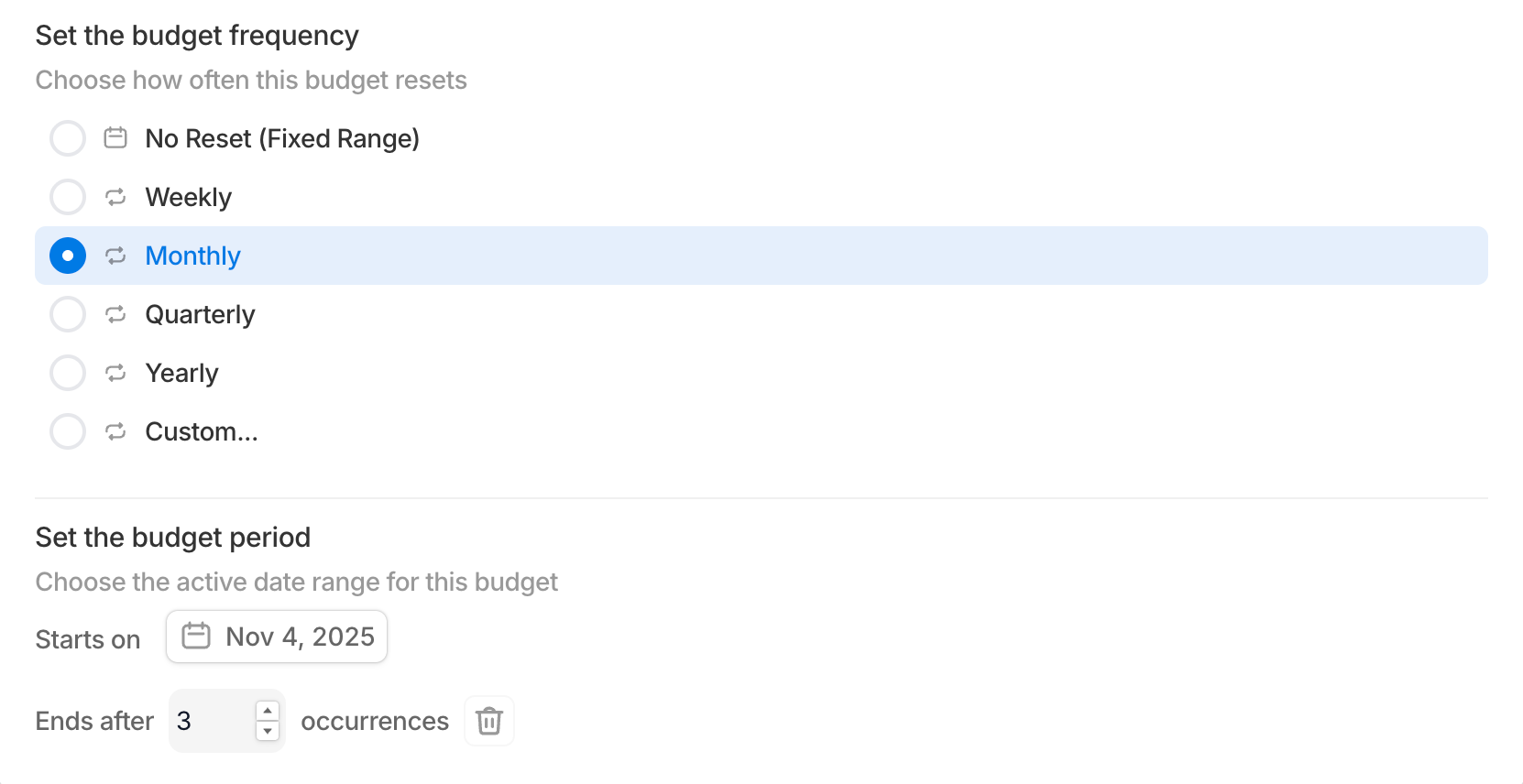
2. Set Amount & Period: Enter the budget amount and select a schedule (weekly, monthly, quarterly, yearly, or custom)
3. Set Expiration (optional): Configure when the budget should stop tracking
As you configure your budget, a real-time preview shows historical spend and forecast projections.
Budget Periods
Budgets support flexible scheduling
- Fixed Range: Single period with explicit start and end dates
- Weekly / Monthly / Quarterly / Yearly: Resets automatically on the chosen cadence
- Custom: Custom repeat interval (e.g., every 2 weeks)
Monitoring Budgets
Budget Status
Each budget displays a status based on forecasted spend:
- On Track: Forecasted spend is within budget
- At Risk: Forecasted spend is within 5% of the budget
- Overspending: Forecasted spend exceeds the budget by 5% or more
- Expired: The budget period has ended
Overview Dashboard
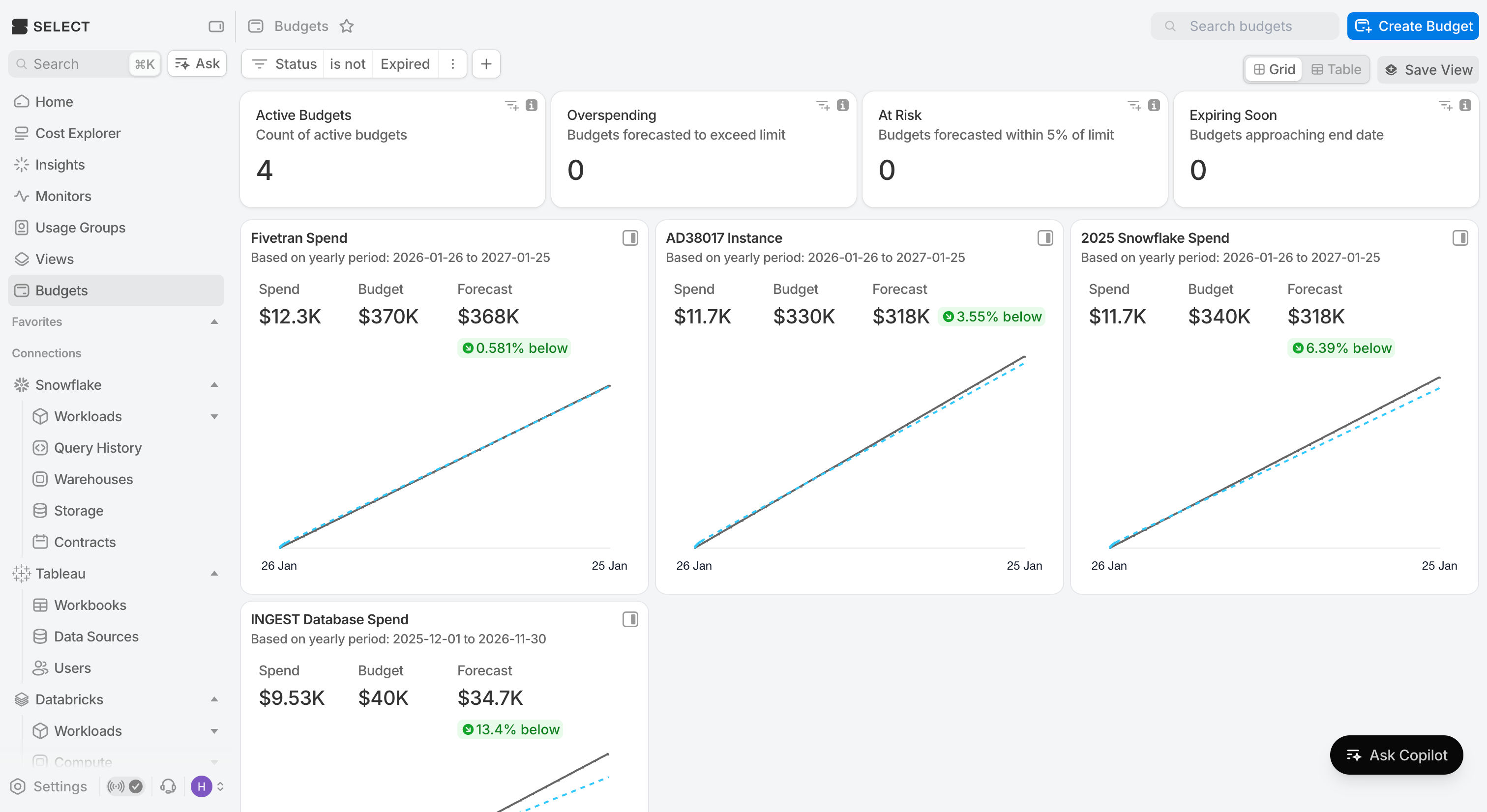
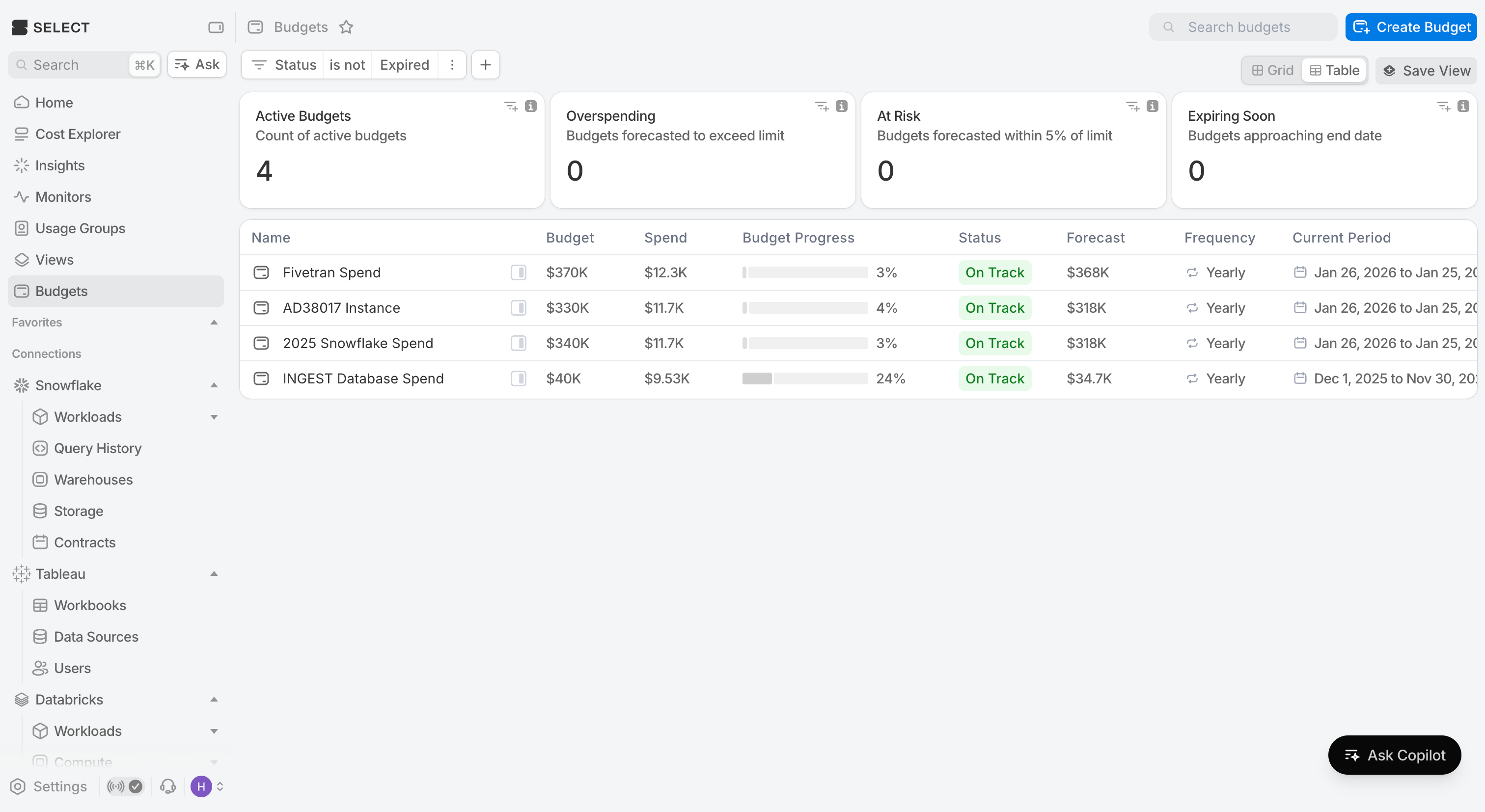
The Budgets page shows summary statistics at the top:
- Total active budgets
- Number of budgets overspending or at risk
- Budgets expiring soon
Use the Grid View for visual cards with spend charts, or Table View for a sortable list with detailed columns.
Checking Individual Budgets
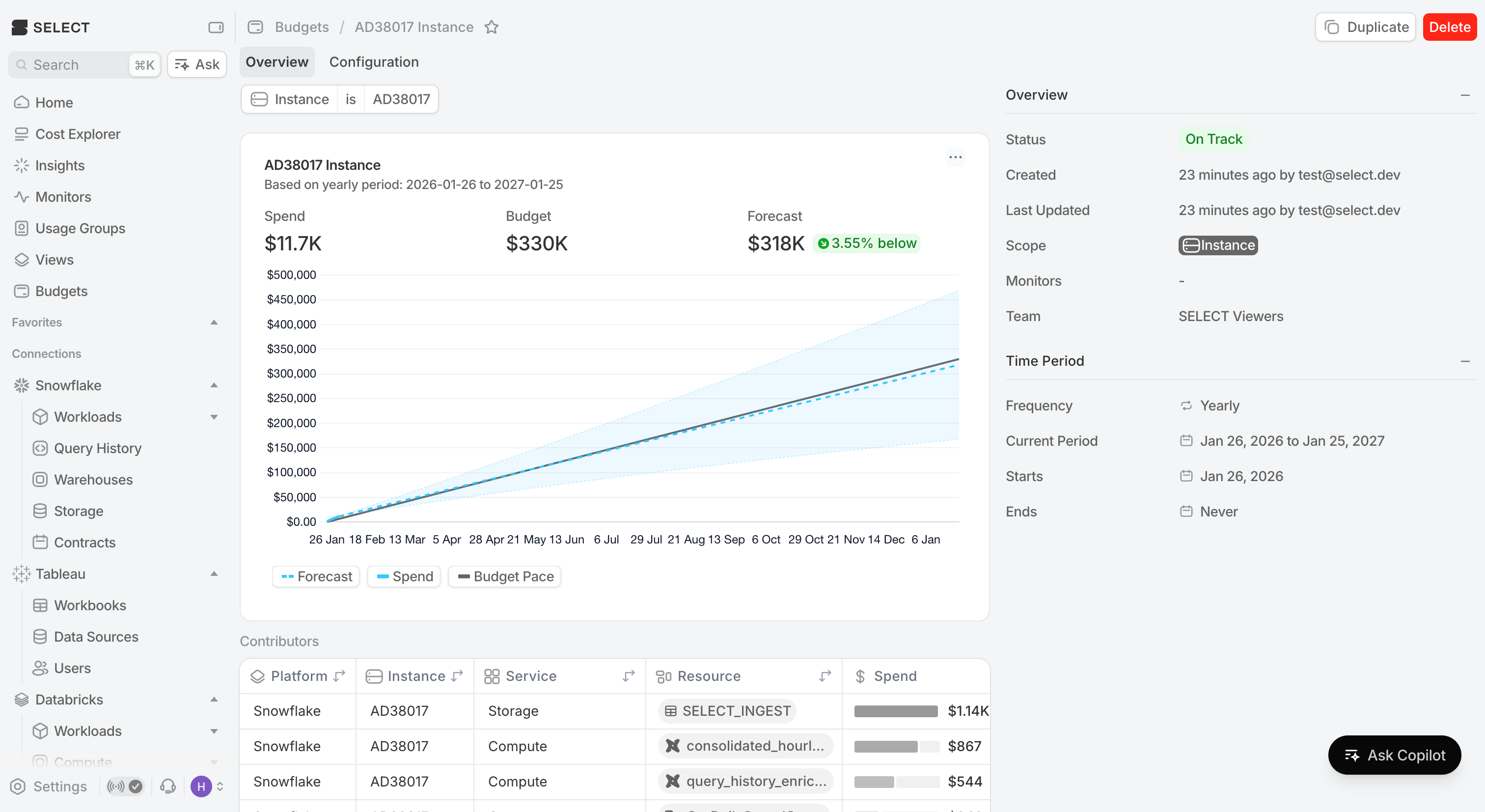
Click any budget to see its detail page with:
- Spend chart showing actual vs. budgeted spend with forecast
- Current period dates and progress percentage
- Budget configuration and filters
Upcoming Improvements
- Budget monitors and alerts
- Support viewing previous budget periods