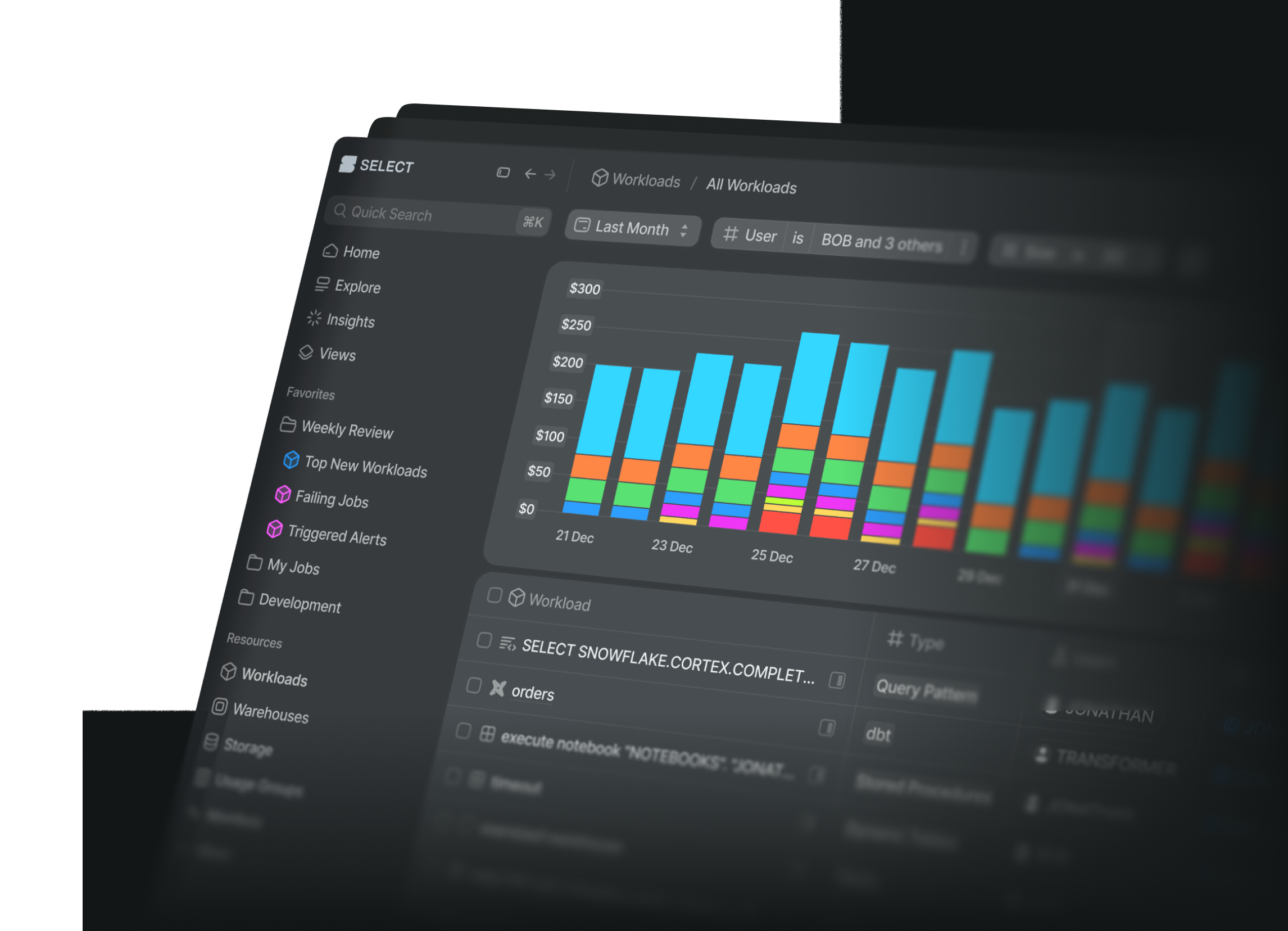
When you assign storage to a Usage Group using the All Object Tags filter, those storage costs won't appear in the Explorer tab.
For example, if you tag a table in Snowflake with OWNER:ian and then create a Usage Group with All Object Tags = Owner:ian, the storage costs for that table won't be attributed in Cost Explorer.
This is because the Explorer page only supports showing database-level storage costs over time, not costs allocated via object tags at the schema or table level.
To view your allocated storage costs:
Go to the Storage page and filter by your Usage Group. You'll see all the relevant tables and their associated costs there.