Why We Built SELECT for Databricks

Ian WhitestoneWednesday, June 10, 2026
TL;DR
Many companies are now running both Snowflake and Databricks side by side, and they need one place to track what both cost. Databricks is also genuinely harder to optimize than most platforms. More services, more configuration dials, more ways for costs to move without a clear reason. We built SELECT for Databricks to give data teams the same cost visibility & optimization capabilities we built for Snowflake.
At SELECT we’ve had the honor of working with over 250 Snowflake customers. As time progressed, we began hearing a consistent request: can you guys do this for Databricks as well?
That question was the starting point. But two other things kept pushing us toward building cost visibility and optimization for Databricks, and they matter more for how we actually built it.
Multi-platform is where most teams are now
Across the accounts we work with, running Snowflake and Databricks together has become the norm, not the exception. The split usually makes sense for the workloads. Snowflake for structured analytics, Databricks for heavier compute and ML work.
The teams using both wanted to be able to compare running workloads on both platforms and also track their total data platform spend in one place.
Databricks has a lot more dials than Snowflake
With Snowflake, the compute offering is very simple and straightforward to use. There’s only a few configuration parameters on virtual warehouses that users need to optimize.
Databricks is a whole different story. There are multiple different compute options and ways of running workloads (jobs compute, all purpose/interactive, serverless SQL, and more), and each service has significantly more configuration options. Cluster size, auto-scaling parameters, instance type selection, and spot instance usage are all significant choices which affect your bill.
More configuration means more optimization surface. It also means more ways to misconfigure something and not catch it until costs have already moved.
What we know for certain is that visibility has to come first. You can't tune what you can't see. SELECT for Databricks starts there: a clear breakdown of where real dollars are going and what's driving changes over time.
Databricks is growing fast inside organizations
Databricks started as a specialist platform for ML and data engineering. It's moved well past that. More teams are running more workload types on it, and adoption inside organizations is accelerating.
Fast adoption creates a familiar problem. Spend grows before the processes to manage it do. Teams add workloads, costs climb, and nobody has a clear picture of what's driving it until the bill is already higher than expected.
We watched this happen with Snowflake. Teams adopted it quickly, costs ran ahead of visibility, and then the work began to understand and control the spend. SELECT was built for exactly that moment. The same thing is happening now with Databricks.
What we built
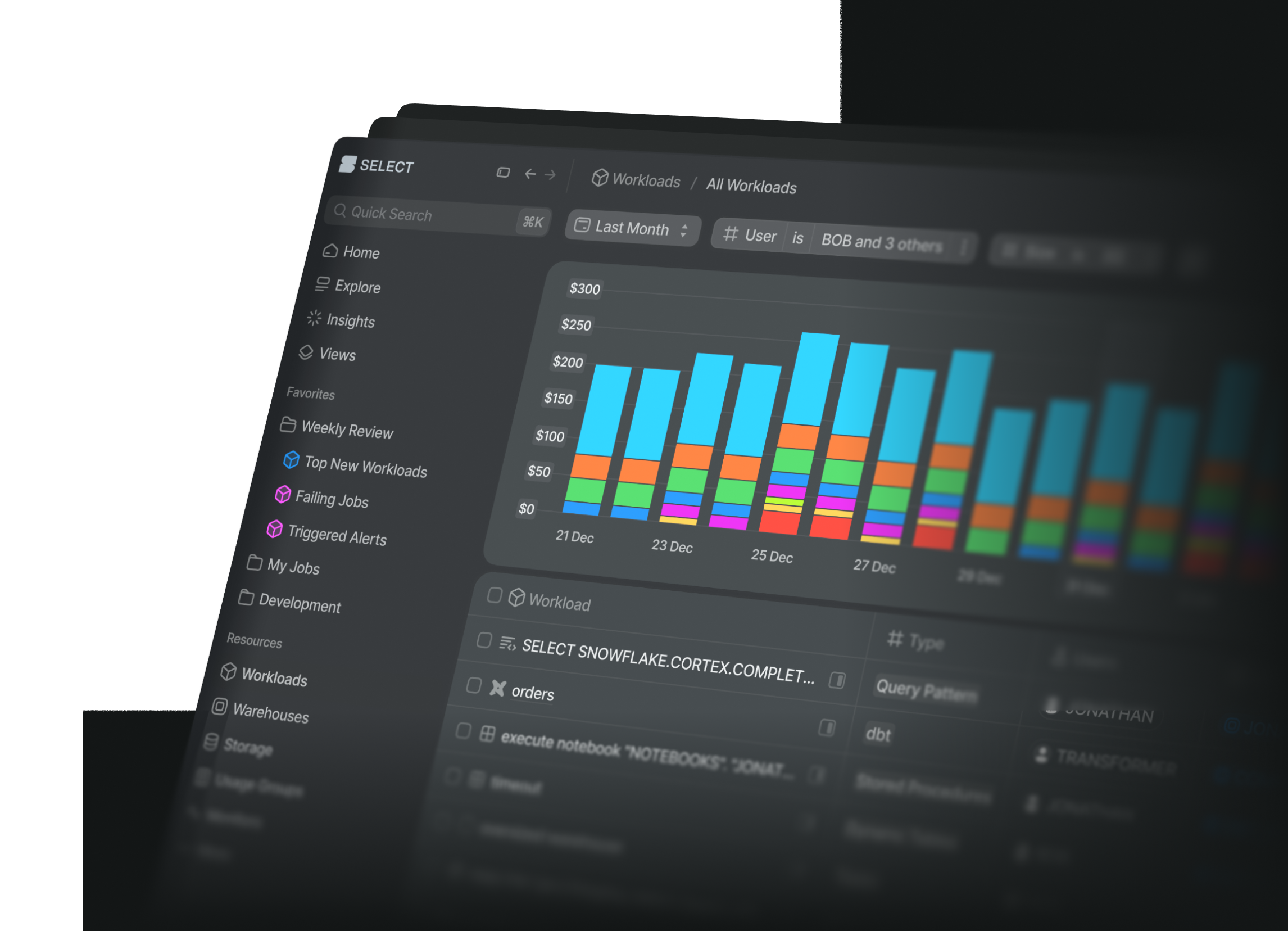
SELECT for Databricks gives data teams cost attribution by team, workspace, job and query workload. Every single dollar can be tracked, users can automatically get notified of spend increases through our ML powered anomaly detection, and then automatically investigate the root cause with our AI copilot.
In addition to rich cost observability, users can automatically lower their compute spend with zero effort through our Automated Savings feature which optimizes SQL warehouses, all-purpose clusters, and jobs compute in real time with no impact on performance.
If you want to see it in action, book some time with us at: select.dev/demo.
Ian is the Co-founder & CEO of SELECT, a SaaS Snowflake cost management and optimization platform. Prior to starting SELECT, Ian spent 6 years leading full stack data science & engineering teams at Shopify and Capital One. At Shopify, Ian led the efforts to optimize their data warehouse and increase cost observability.
Want to hear about our latest data cloud learnings?Subscribe to get notified.
Get up and running in less than 15 minutes
Connect your Snowflake, Databricks, or BigQuery account and instantly understand your savings potential.