

Snowpark Container Services Cost Visibility
Thursday, April 16, 2026
 Niall WoodwardCo-founder & CTO of SELECT
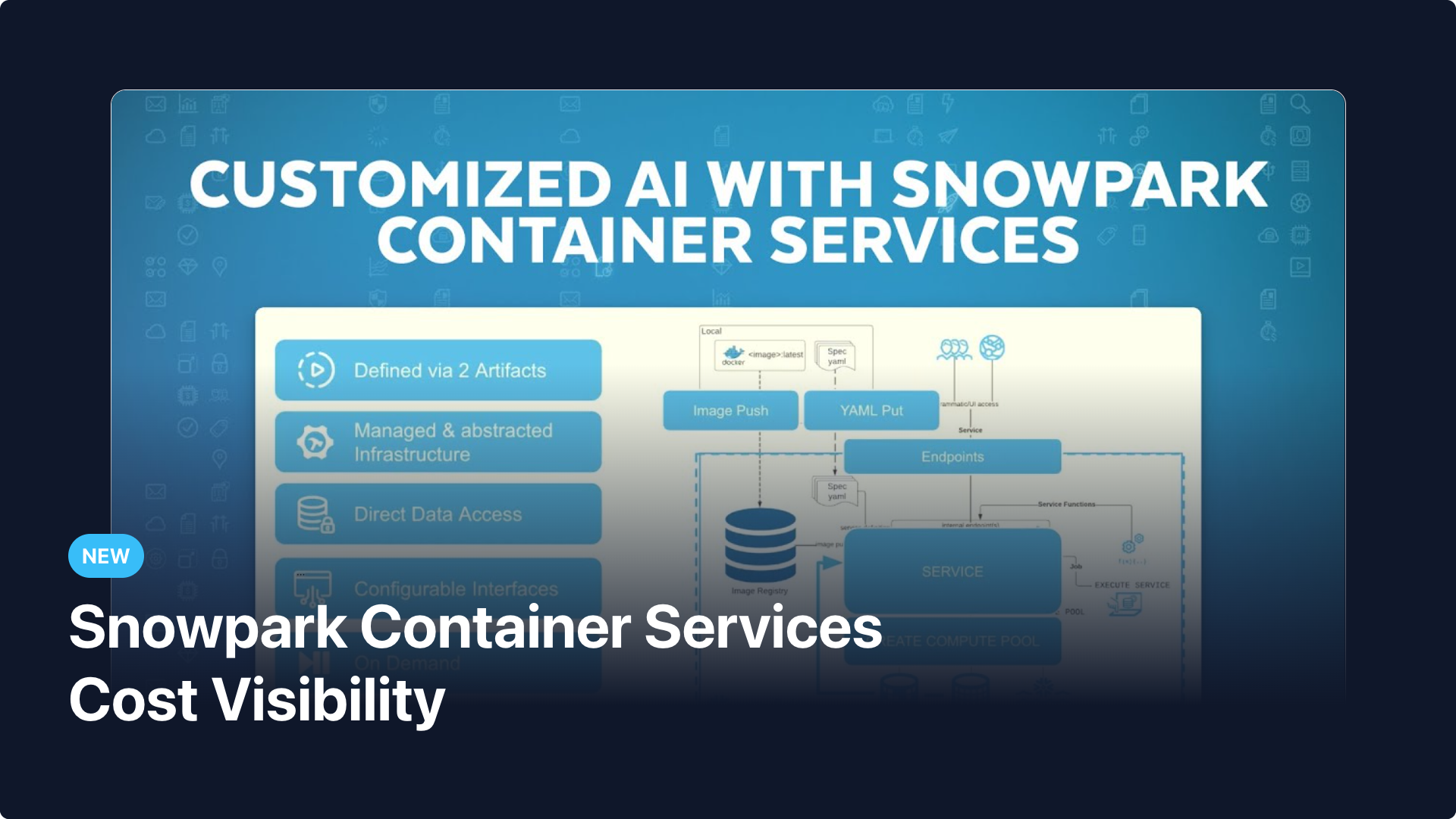
Snowpark Container Services (SPCS) spend is now fully tracked in SELECT. See exactly how much each compute pool and application costs, right alongside all your other Snowflake workloads.
If you're running services, jobs, or ML models on Snowpark Container Services, that spend has historically been difficult to attribute and monitor. Now SELECT automatically ingests your SPCS usage history and breaks down costs by compute pool and application — so you can see where credits are going and take action.
Compute pool and application cost breakdown
SPCS costs are now visible in the workloads pages, grouped by compute pool and application name. You can see credit consumption and dollar spend for each, track trends over time, and quickly identify which pools or applications are driving costs.
Fully integrated into the cost explorer
Two new columns are available in the cost explorer:
- Snowpark Container Services - Compute Pool — group and filter spend by the compute pool running your applications
- Snowpark Container Services - Application — drill into spend by individual SPCS application
These columns work with all existing cost explorer capabilities including filters, and grouping, giving you the same depth of analysis you have for warehouses and other workload types.
Both columns are also available as usage group attributes, so you can define custom cost groupings that include SPCS compute pools or applications alongside your other Snowflake resources.
Spend consolidation
SPCS spend is consolidated into your overall Snowflake cost view, so total spend reporting, budgets, and monitors all account for container services usage automatically.
Up next.Previous Changelog Entries.