

SELECT for Databricks is now Generally Available
Wednesday, June 10, 2026
 Mustafa PetiwalaProduct Engineer @ SELECT
 Alan CruickshankProduct Engineer @ SELECT
 Greg FinleyProduct Engineer @ SELECT
 Dhruv MittalProduct Engineer @ SELECT
 Ali Mohammad MehrProduct Engineer @ SELECT
 Jeff RezazadaProduct Engineer @ SELECT
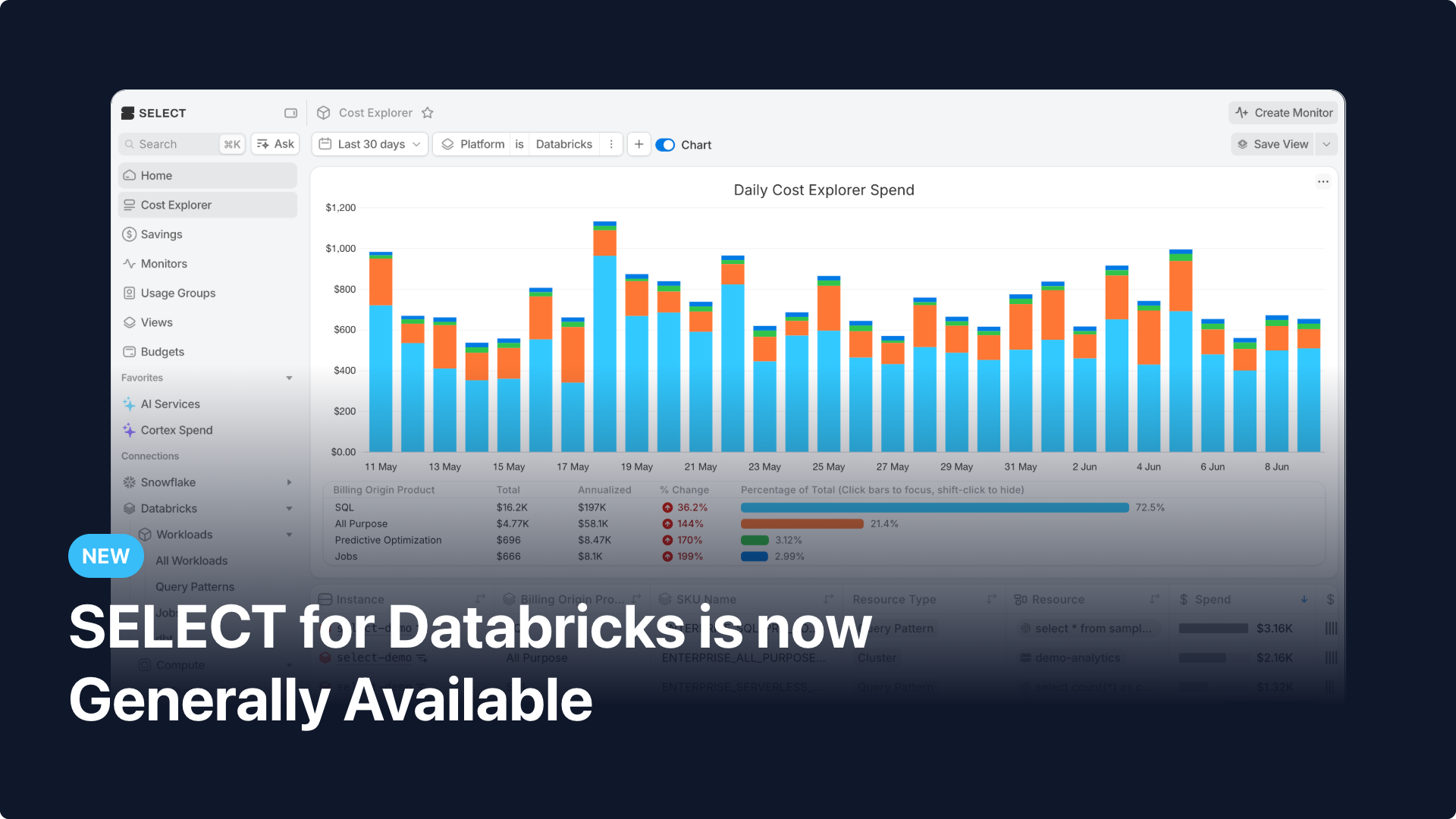
Starting today, any team running Databricks on AWS, Azure, or Google Cloud can connect their workspace to SELECT and be up and running in 20 minutes.
Since we opened private preview in January, we've shipped granular cost attribution, automated savings, optimization insights, budgets, and usage groups for Databricks. Here is everything that is included at GA.
Cost Attribution
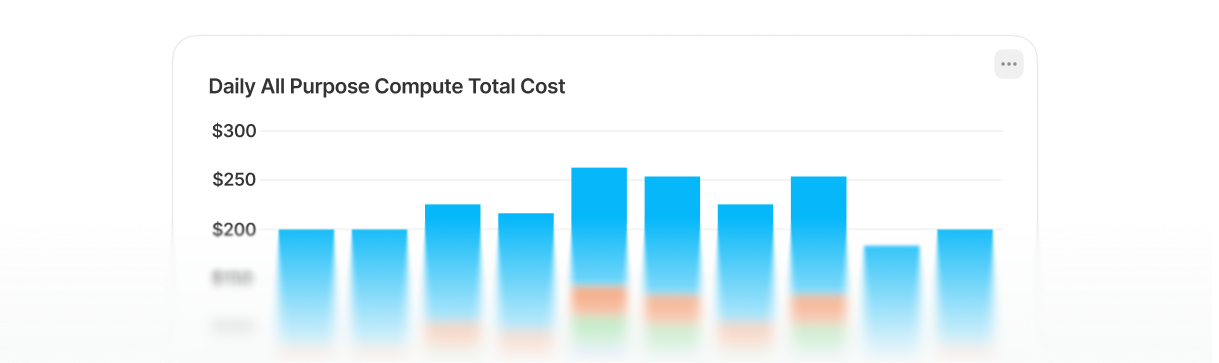
See your Databricks spend broken down by workspace, workload type, job, cluster, user, and query. Costs are tracked across All-Purpose Compute, Job Clusters, and SQL Warehouses. Drill into any job for task-level cost breakdowns, run history, and optimization insights.
Automated Savings
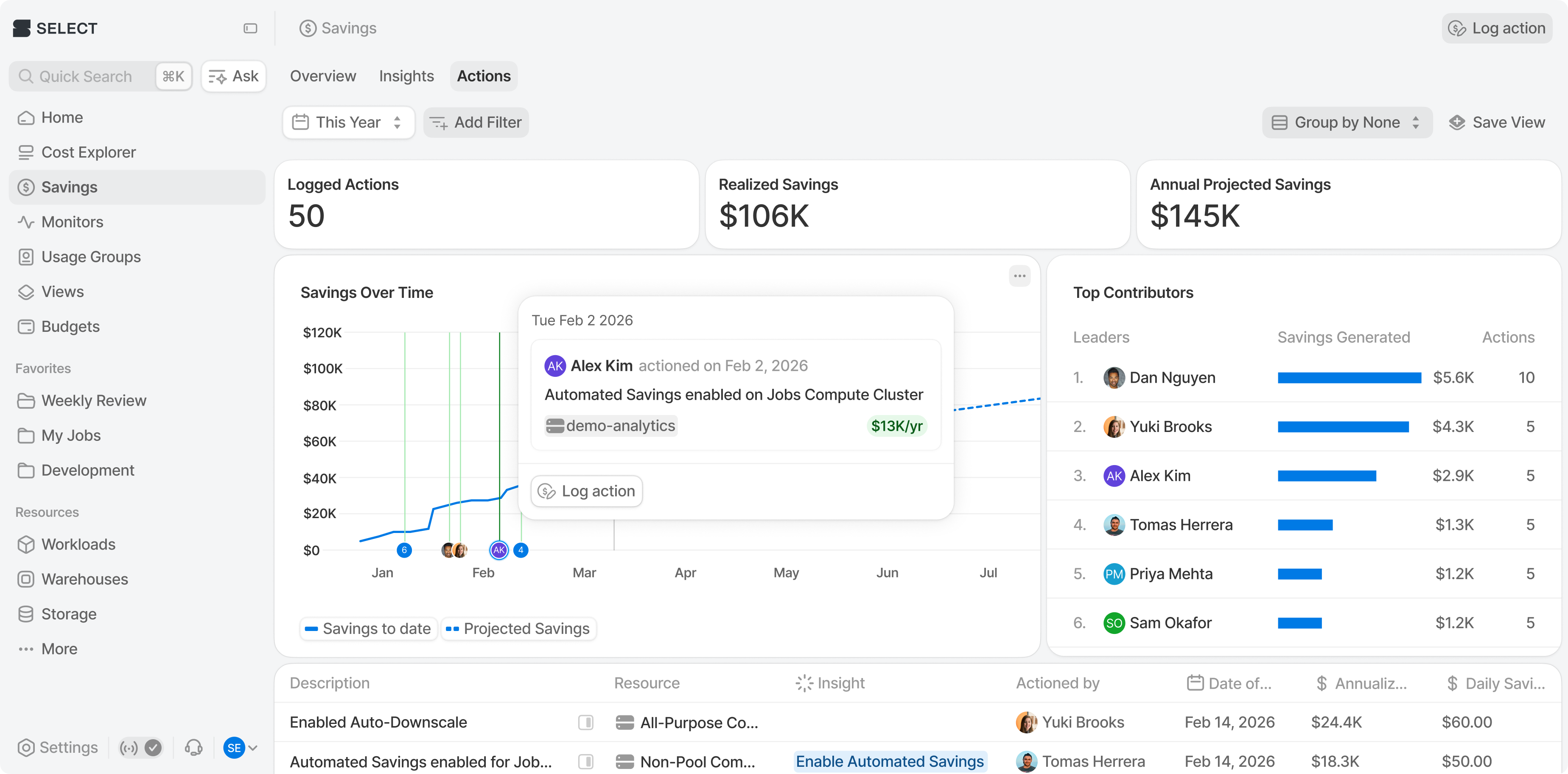
SELECT automatically adjusts worker count and auto-scaling behavior, to reduce costs on SQL Warehouses and All-Purpose Compute. No ongoing engineering effort required. Savings of up to 30% on eligible workloads.
Optimization Insights
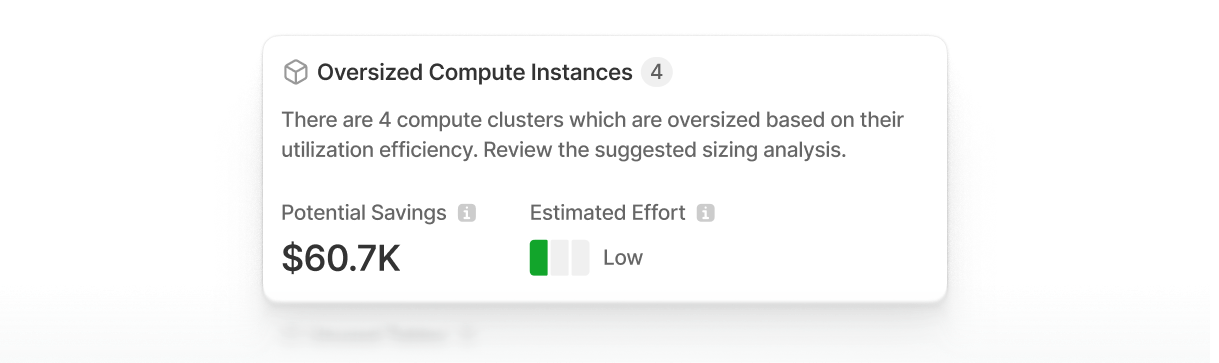
Surface cluster utilization inefficiencies, idle compute and auto-termination gaps across your Databricks environment.
Budgets and Usage Groups
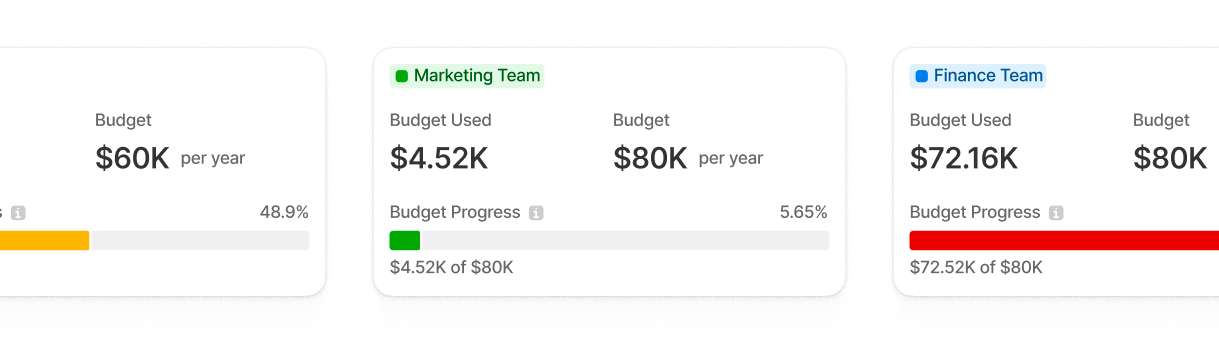
Set spend budgets at the org, workspace, team, or usage group level with forecast tracking and threshold alerts. Assign Databricks costs to teams, departments, or products using Usage Groups, giving each group the tools to self-manage their own spend.
Getting Started
Connect your Databricks workspace at select.dev. Setup requires approximately 20 minutes and only needs read-only access to your Databricks billing metadata via Unity Catalog system tables, no access to any company data. SELECT backfills six months of historical data immediately on connect.
Other Things We Shipped
- 🐛 Fixed bug where duplicating a Custom SQL Monitor would produce individual monitors with shared SQL queries
- 🐛 Fixed missing Custom Workload Metakey filters on various pages
- 🪄 Improved UX for duplicate usage group names case
Up next.Previous Changelog Entries.