Redesigned Settings Experience
Wednesday, February 18, 2026
 Mahdi Raza KhuntCo-op Product Engineer @ SELECT
Settings is where you manage everything from connections to permissions in SELECT. We've rethought the experience to make it easier to find what you need, consistent across workloads, and practical to use with proper RBAC enforcement and bulk operations where they matter.
Onboarding
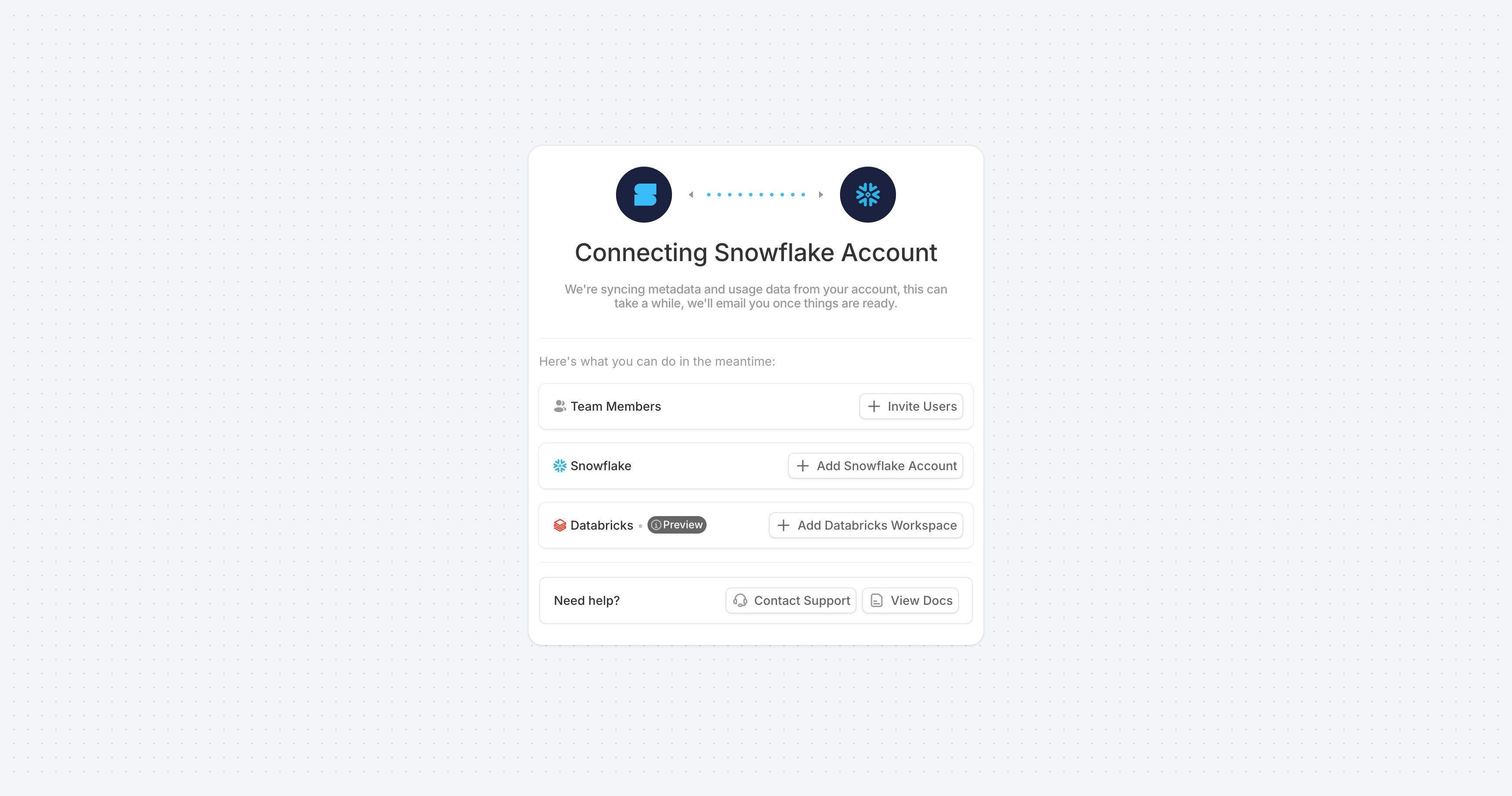
First-time setup now guides you straight to connecting your Snowflake or Databricks account. During initial sync, connection status is surfaced clearly so you know when your account is ready without having to refresh or guess.
Navigation
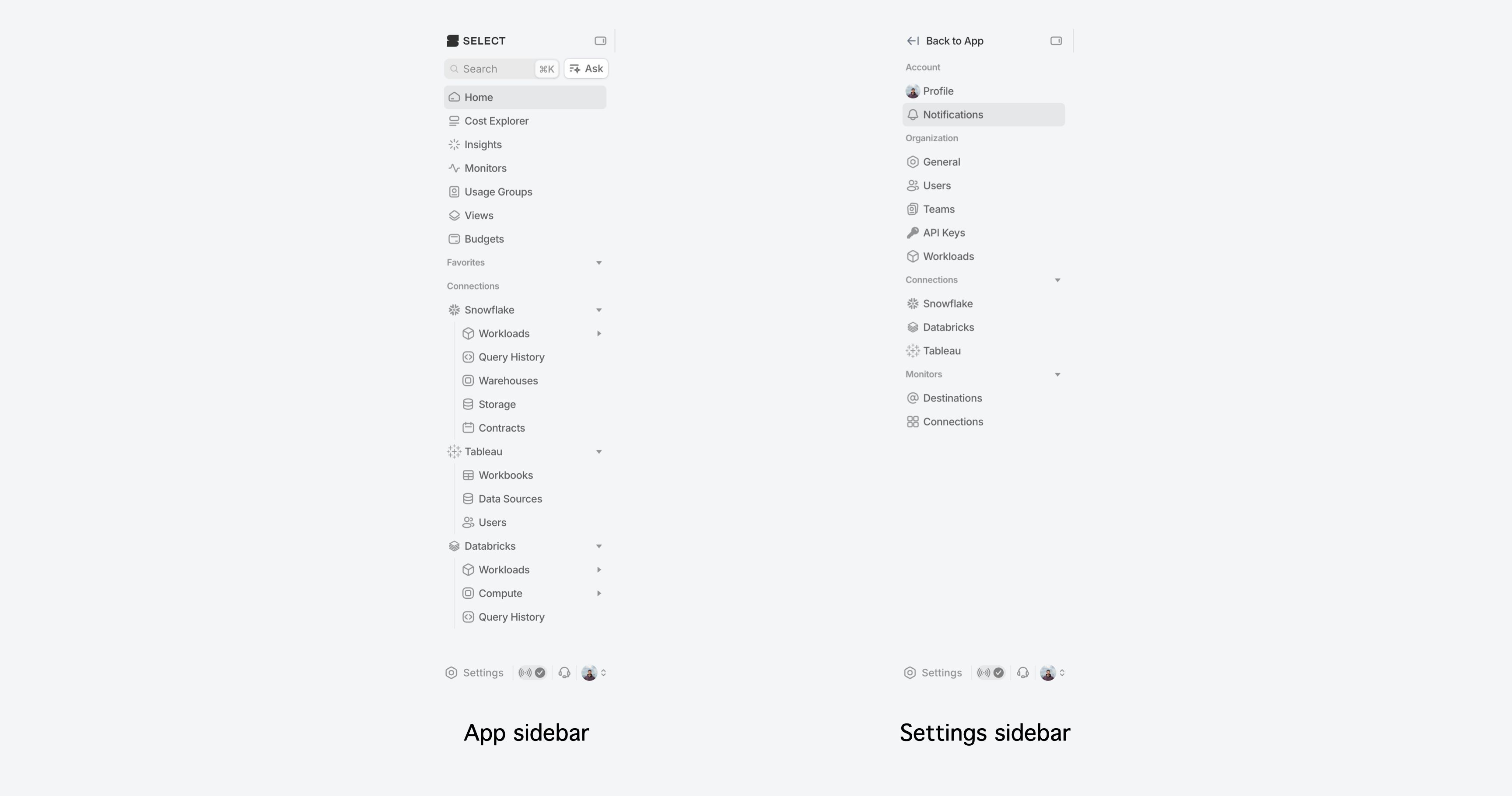
The main app sidebar now has dedicated entry points for settings, status, support, and profile. Within settings, pages are grouped into Account, Organization, Connections, and Monitors.
Users & Invitations
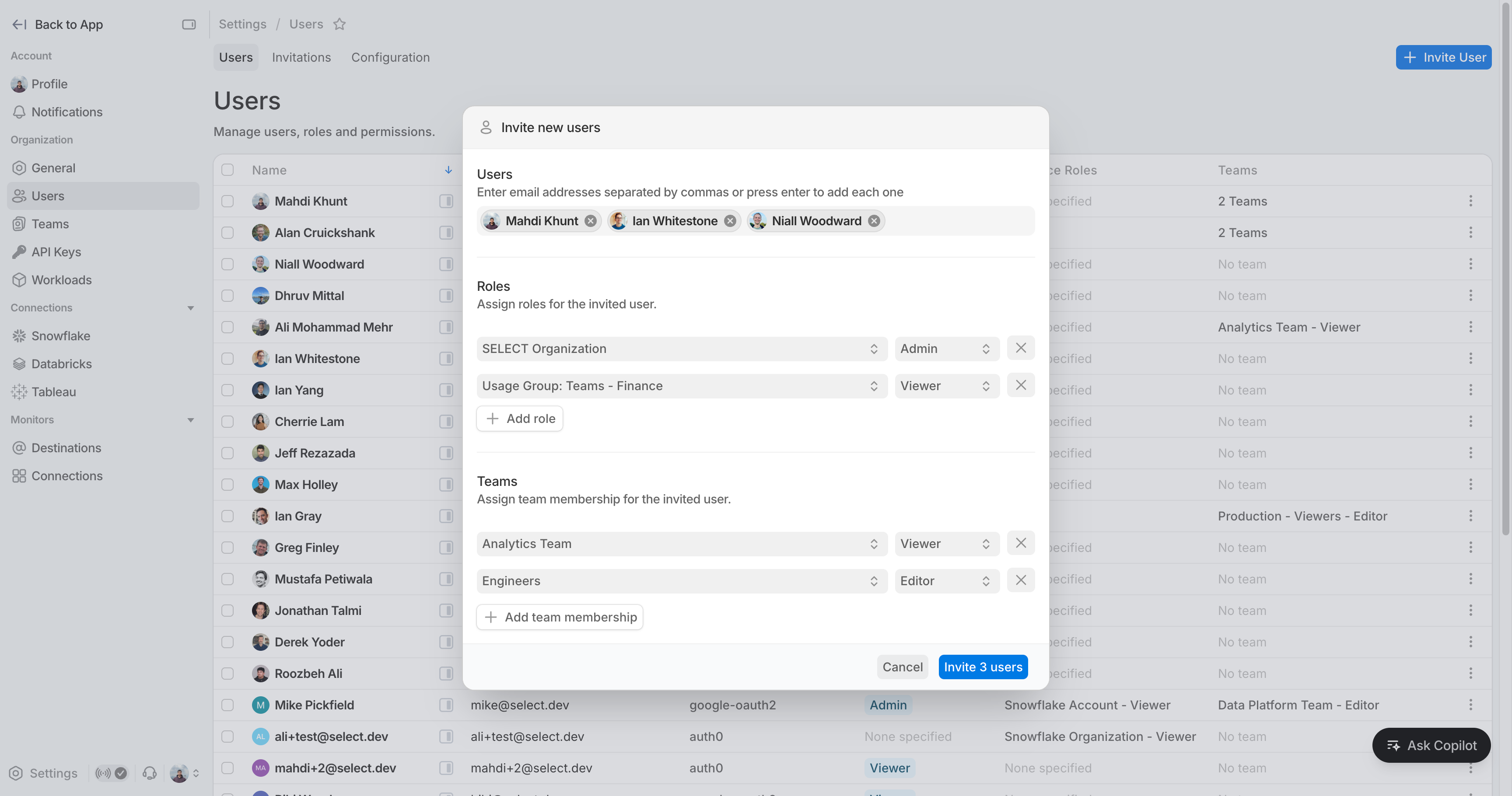
Full role breakdown per user: org roles, resource roles, and inherited team roles, all editable from the sidepane. Invitations now support bulk invite, bulk resend, bulk revoke, and copying Auth0 invitation links.
Teams
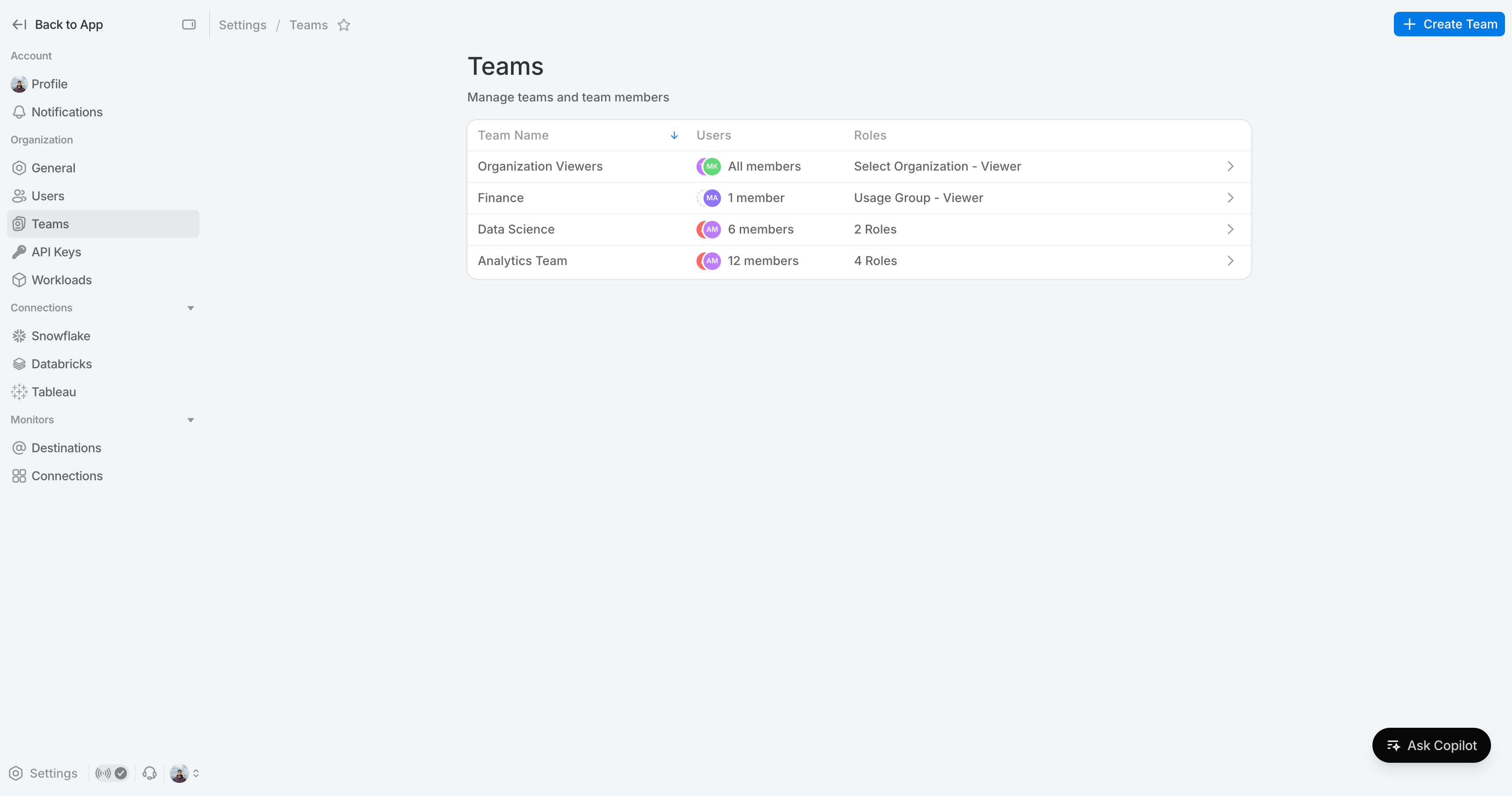
Dedicated teams page with separate flows for managing members, editing team details, and assigning resources.
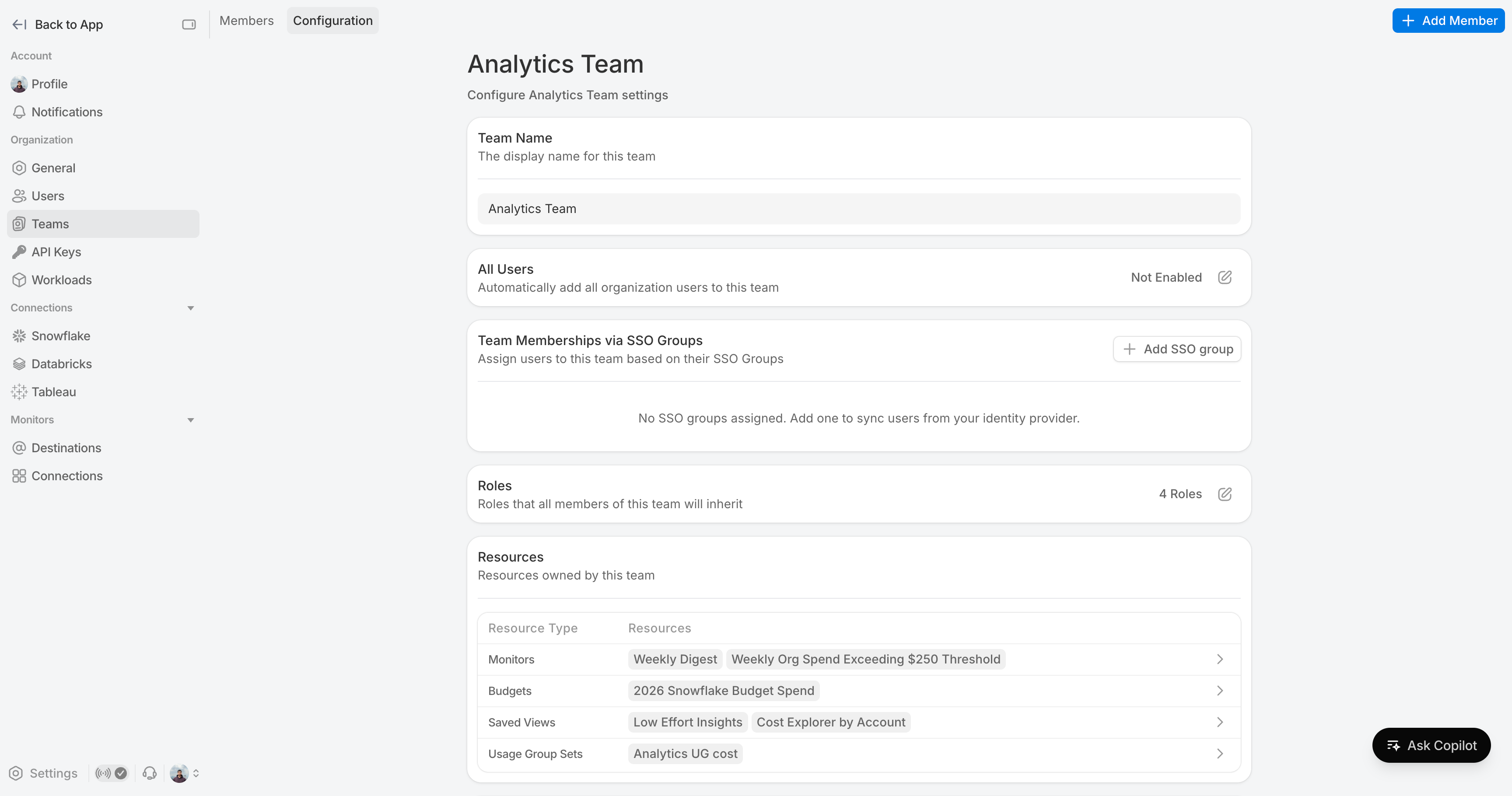
Teams now also show which resources they own - monitors, budgets, usage groups, and saved views.
Workload Configuration
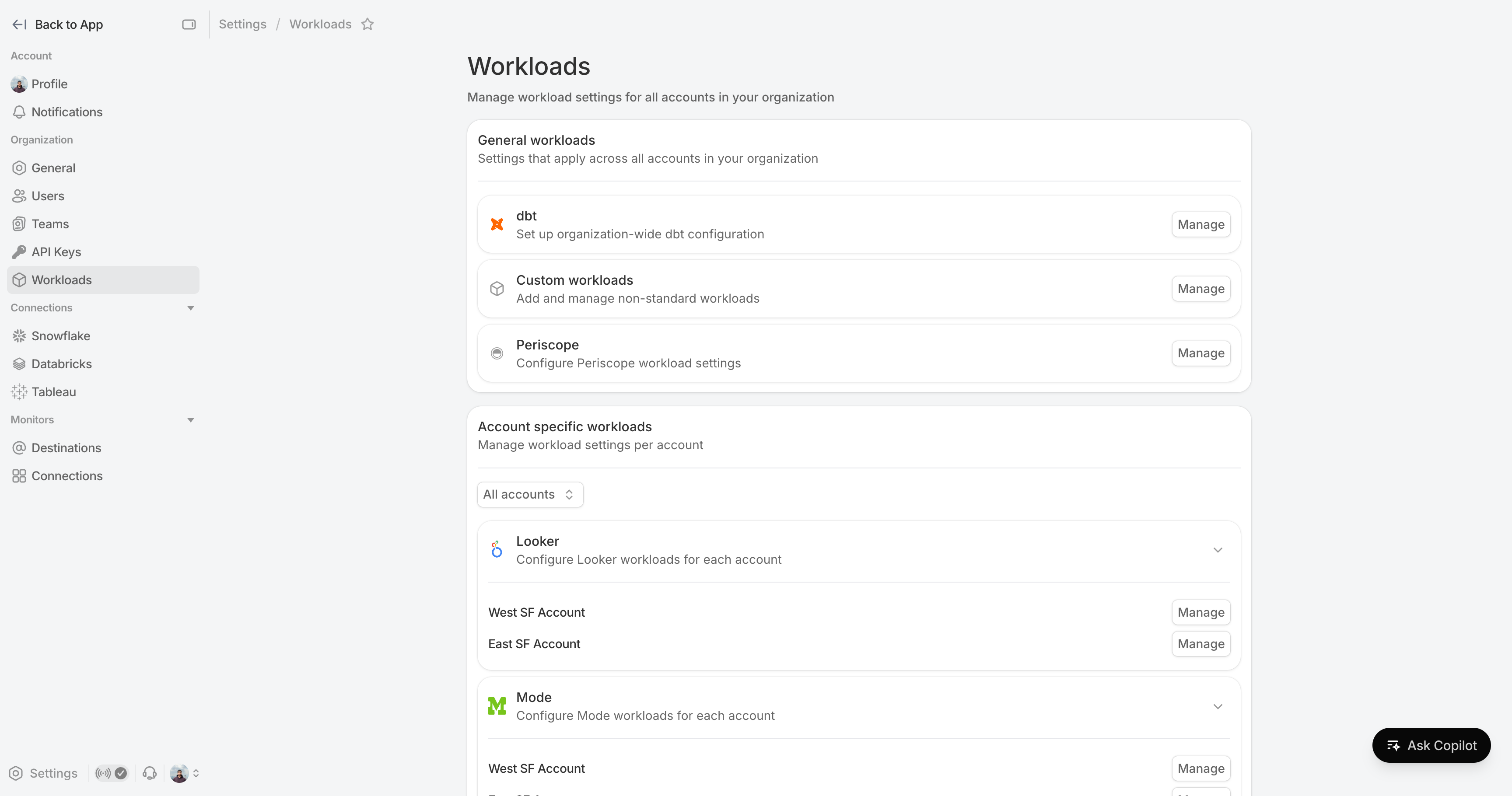
All workload configuration (dbt, Looker, Mode, Fivetran, and custom) in one place. Switch between accounts from the same page.
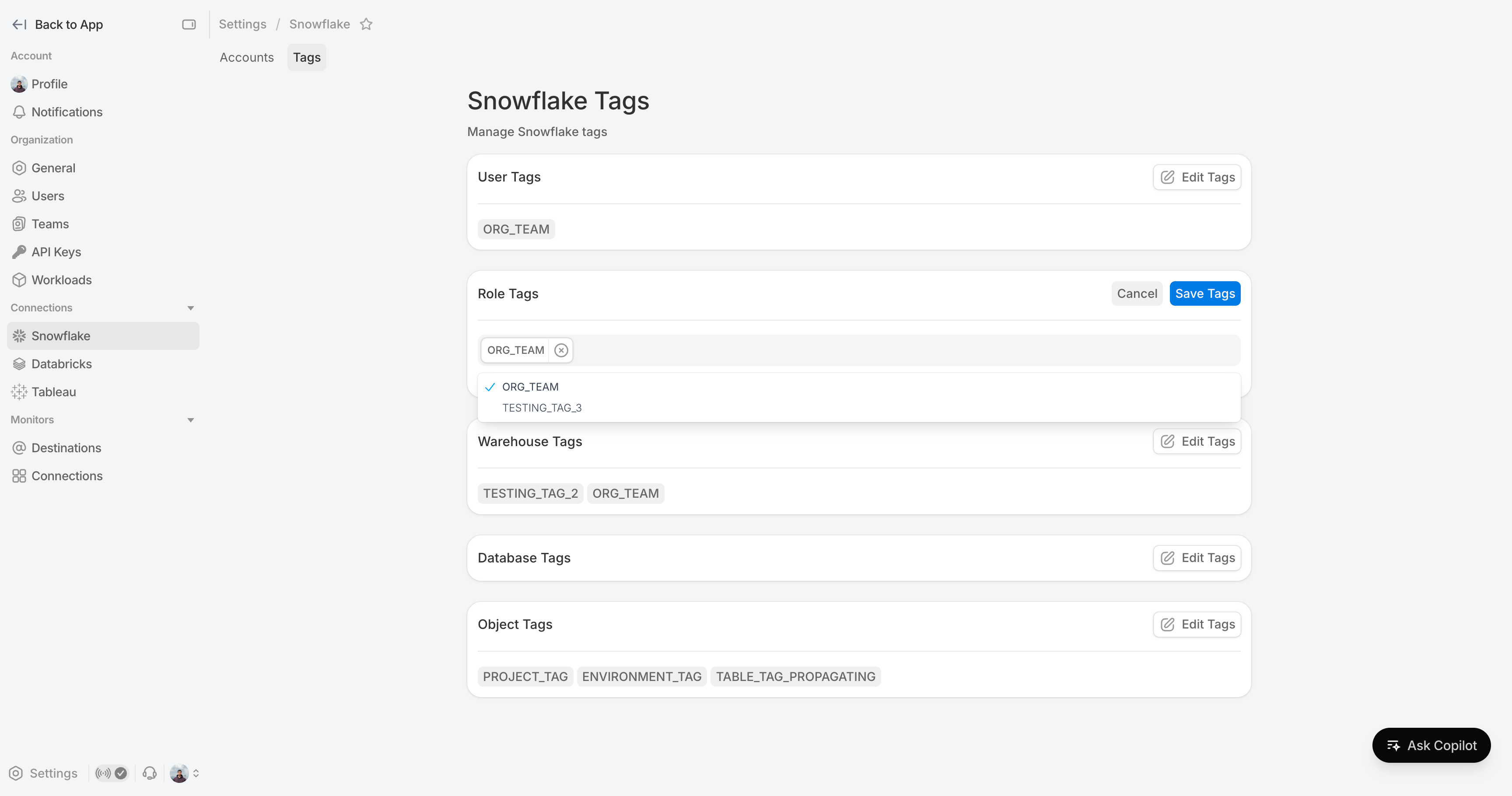
Snowflake Tags
Snowflake Tag suggestions are now surfaced during configuration so you don't have to look them up. Changes are saved explicitly so you can review before committing.
Beyond that, API keys now offer permission presets (Read-only, Full Access, Custom), connection management across Snowflake, Databricks, and Tableau follows a consistent experience, and destinations support bulk management with inline monitor tags. Profile, notifications, and general org settings are each on their own page for easier navigation.
Other Things We shipped
- 🐛 Resolved overridden Snowflake costs not being applied to Data Quality Monitoring.
- 🐛 Resolved issues with spend categories of spend source from the Organisation (such as market drawdown) not being applied to accounts
- 🚀 Added ability to self-serve query sanitization for anonymising literals from query text we ingest
- 🚀 Added ability to self-serve disabling connection syncs for deleted accounts
Up next.Previous Changelog Entries.
Get up and running in less than 15 minutes
Connect your Snowflake, Databricks, or BigQuery account and instantly understand your savings potential.