

Announcement
Dark mode is here 🌚
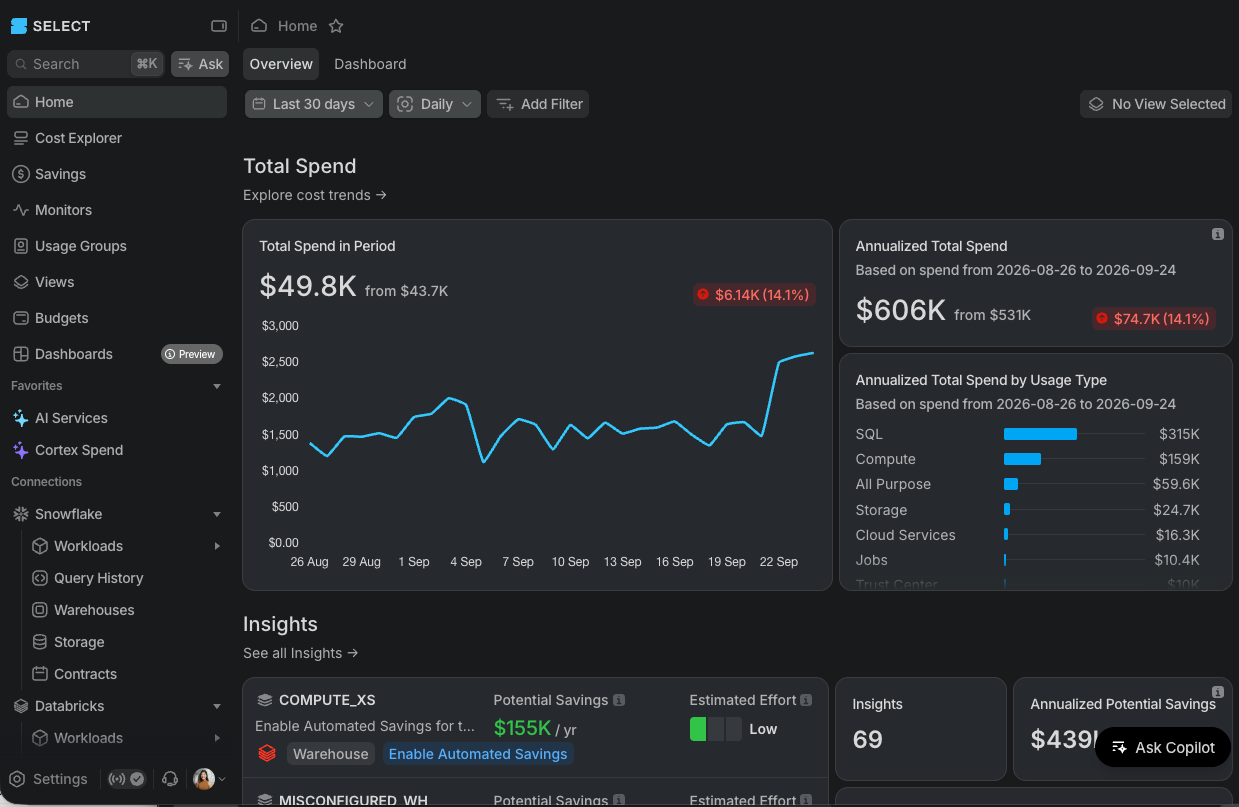
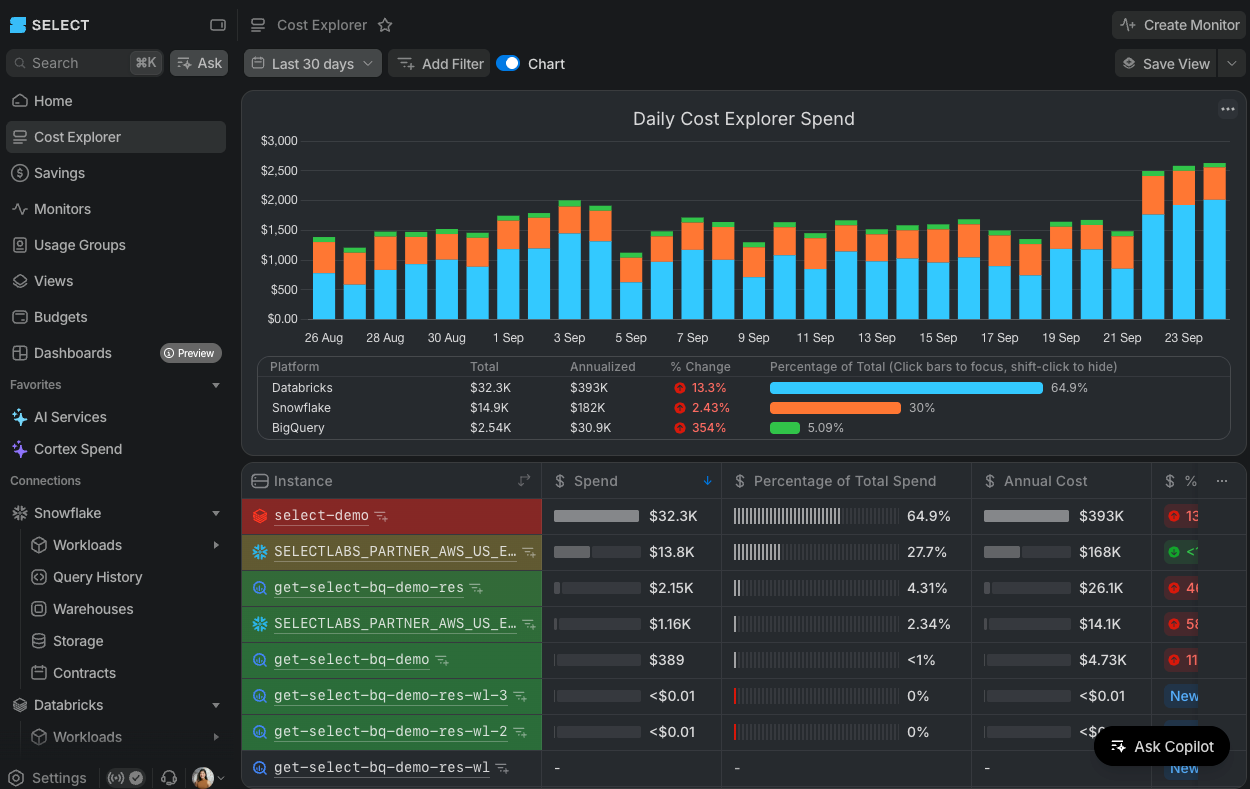
You can now switch SELECT to dark mode!
By Ian Yang
·Shipped by
Areeb Rasul, Jasmine Zou, Cherrie Lam, Ian Gray, Mike Bertrand-Pickfield
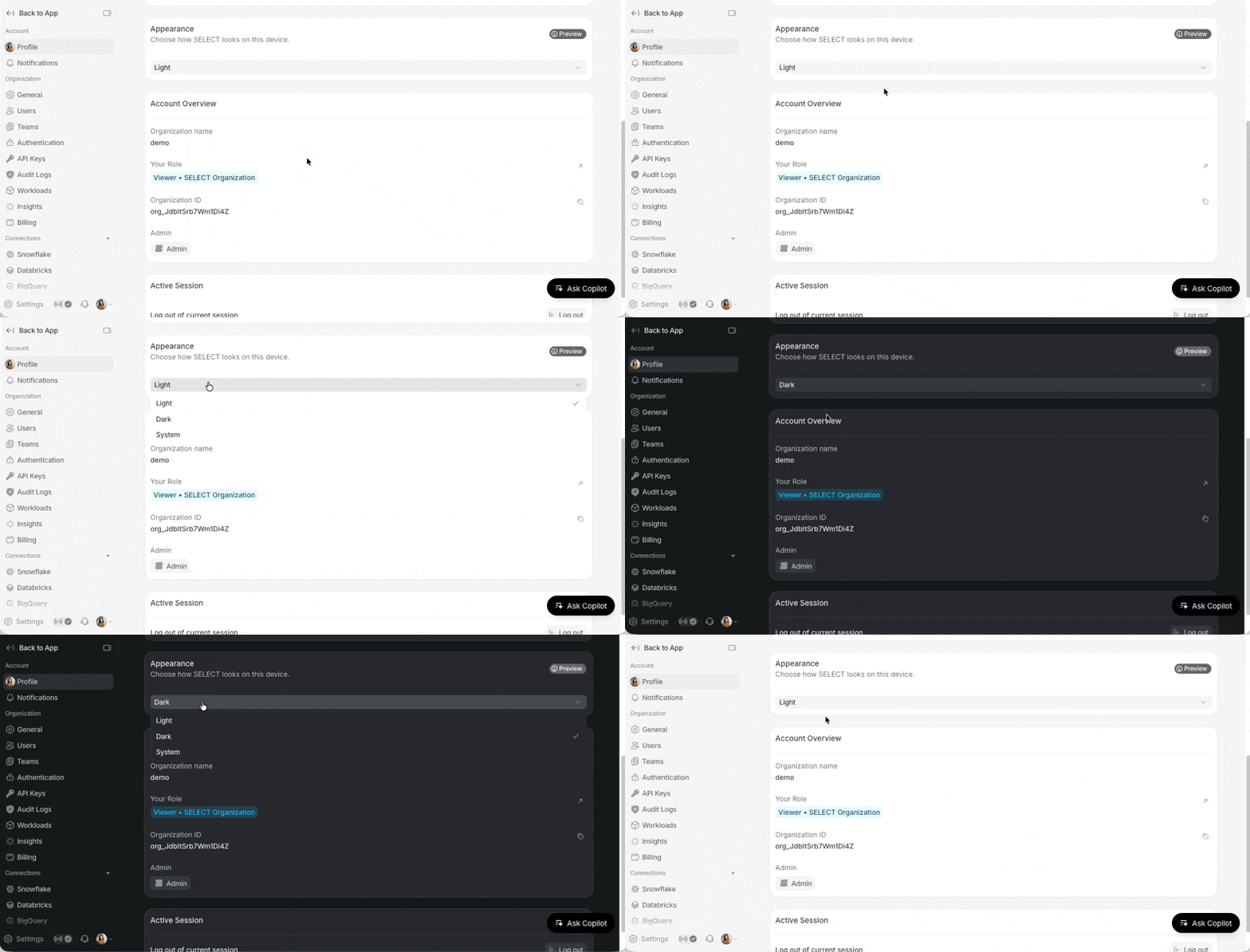
You can now switch SELECT to dark mode. Go to Settings → Profile, in the Appearance section, and there you can now toggle to your preferred appearance: Light, Dark, or System.
We'll keep refining it based on your feedback, so let us know what you think!