Announcement
Build Custom Dashboards around your data, your way
Turn any metric into a dashboard — with drag-and-drop layouts, Copilot-assisted setup, and built-in sharing.
By Cherrie Lam
·Shipped by
Every page in SELECT has always been one we built and shipped. You could filter and drill in, but the layout and metrics were fixed. Today we are releasing Custom Dashboards to give you full flexibility through your own canvas.
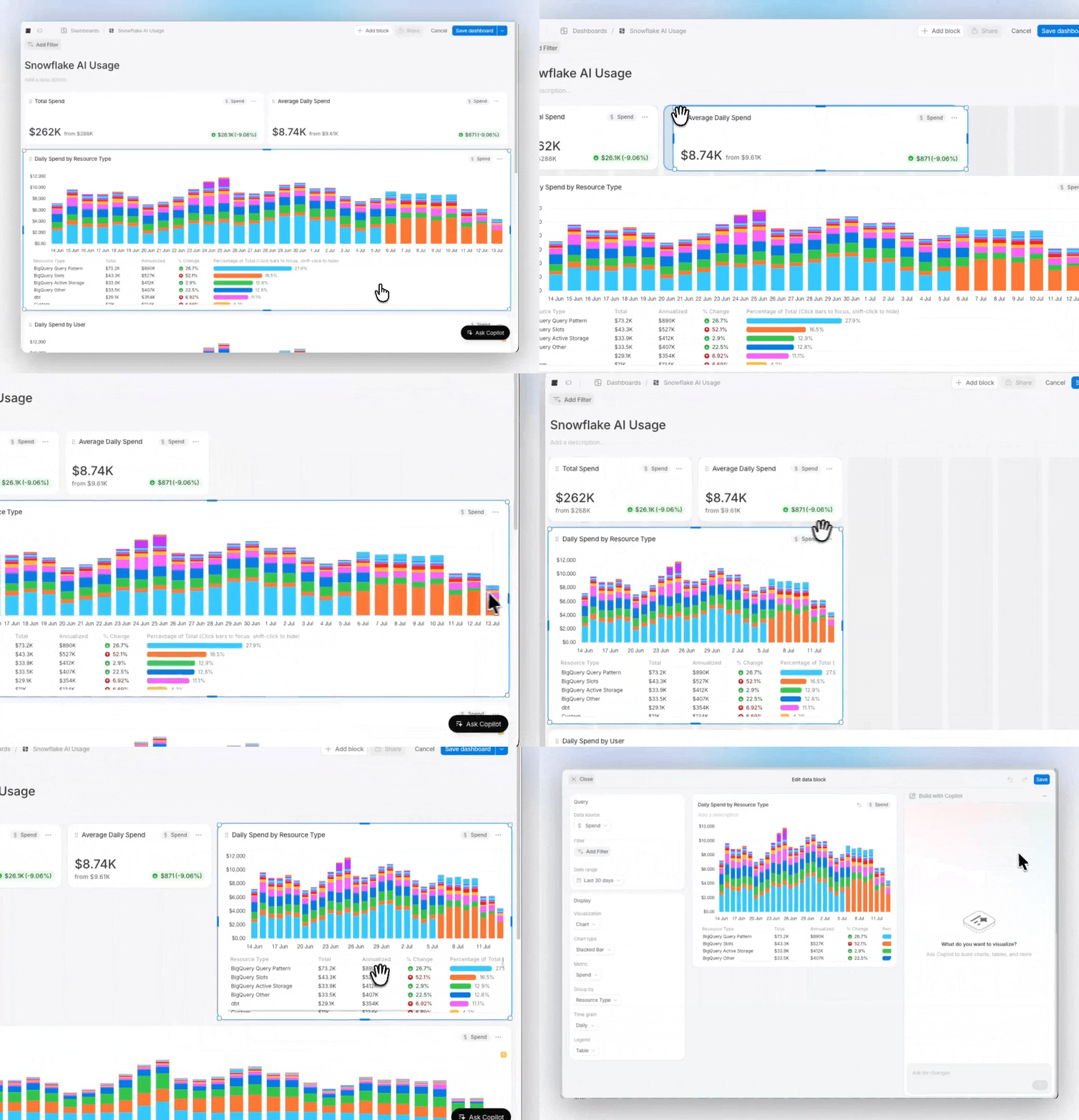
Add charts, big number KPIs, bar lists, tables, and markdown text blocks. Drag and drop them into whatever layout makes sense, then use resize handles to fine-tune from there. Each data block has its own editor where you pick the metric, group-by, chart type, date range, and filters.
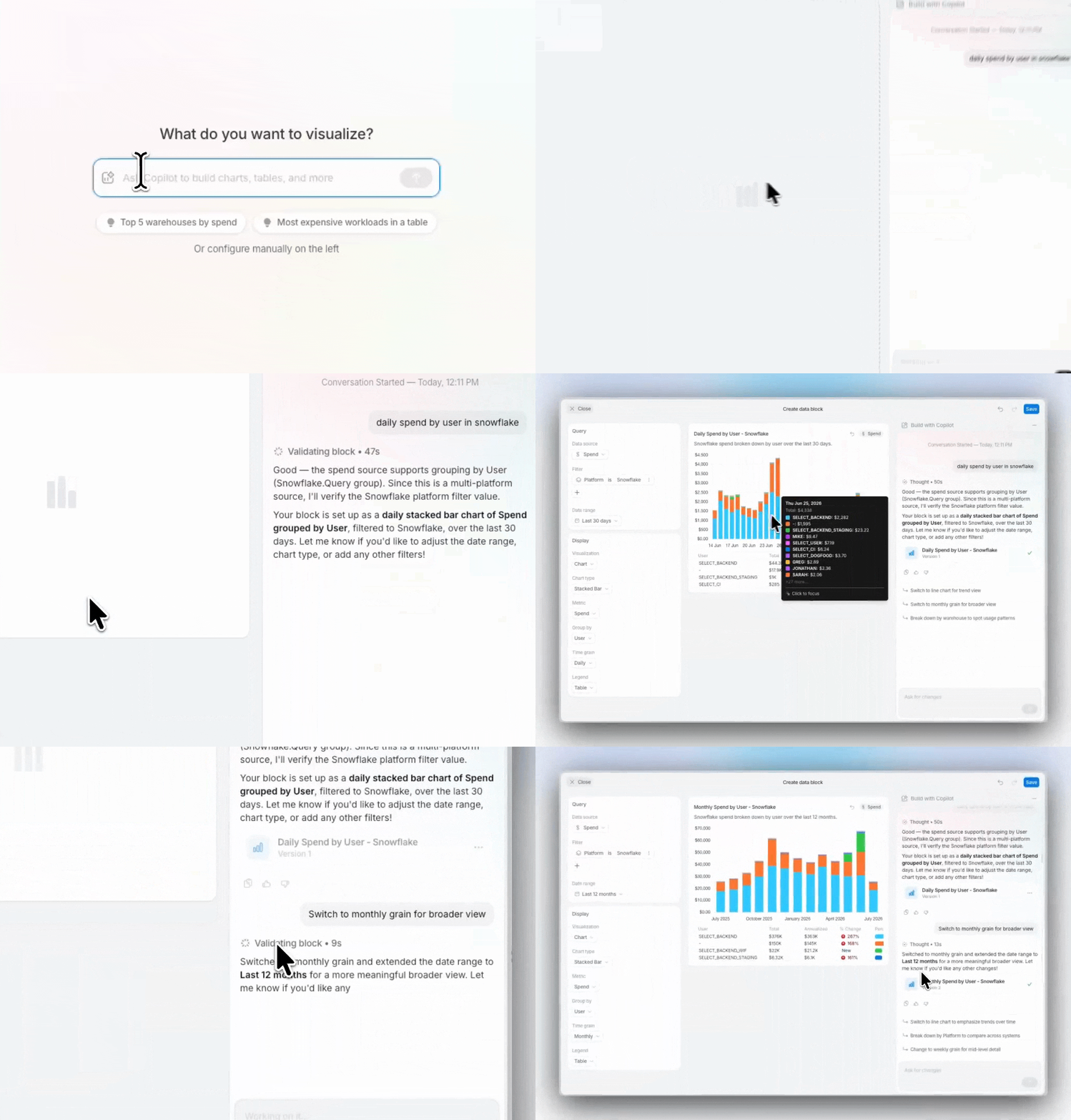
If you'd rather just describe what you want, the Copilot sidebar is available in the block builder. Simply type a question and Copilot configures the block from your words. You can keep refining or take over manually at any point.
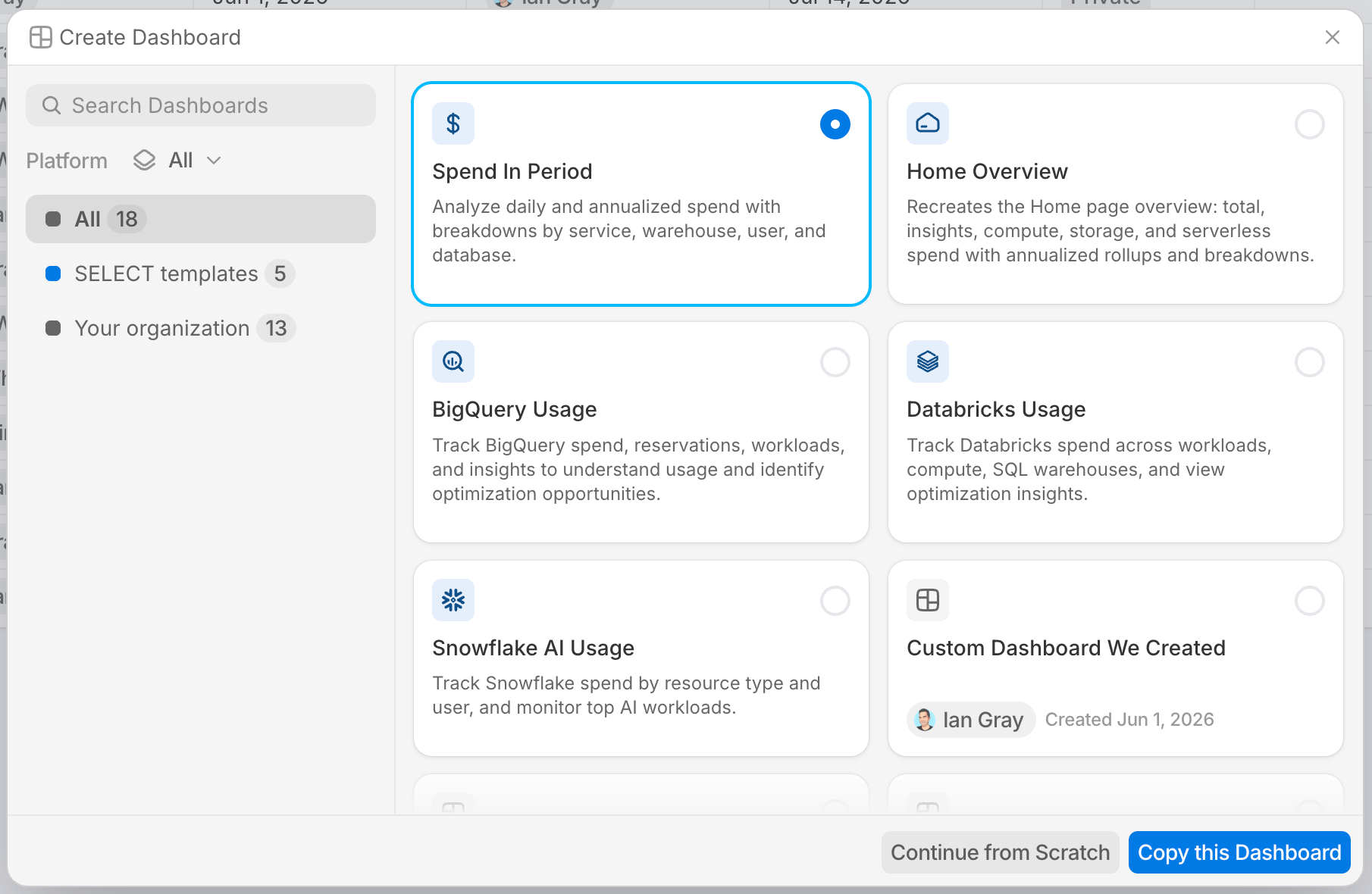
Don't want to start from scratch? Pick from a set of built-in templates for common use cases, or clone any dashboard your organization has already built.
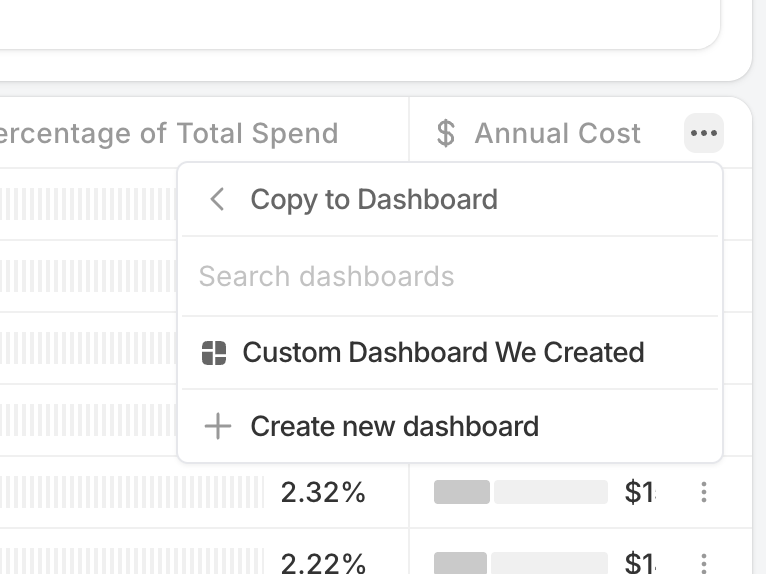
You can also grab a chart or table from anywhere else in SELECT and copy it directly onto a dashboard.
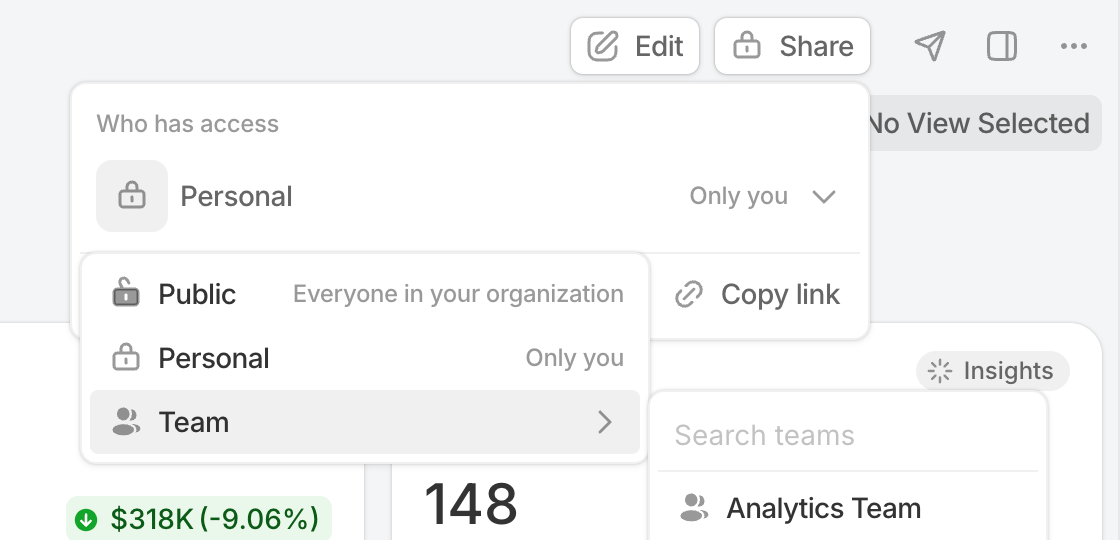
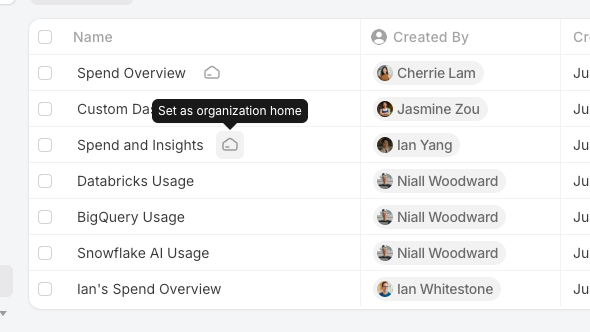
When a dashboard is ready to share, open it to your team or your whole organization. Org Admins can pin any public dashboard as the default landing page for everyone — users can override it with their own personal home.
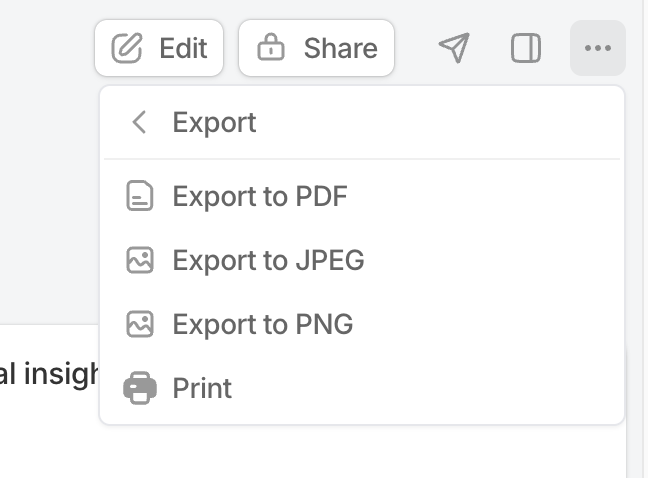
Need a copy outside of SELECT? Export as PDF, PNG, or JPEG from the options menu, useful for slide decks or tickets.
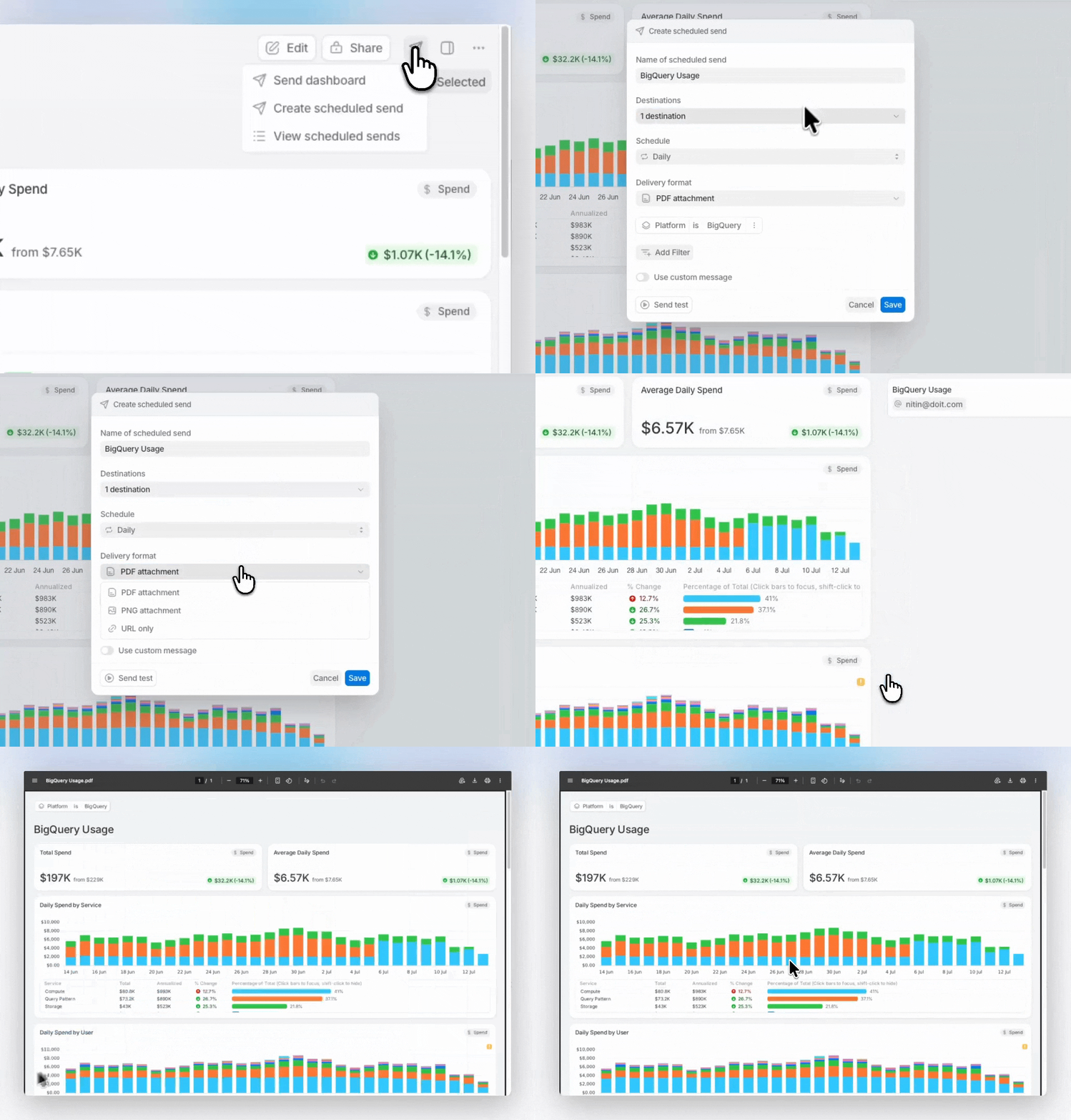
To push a dashboard out on a schedule, set up a digest. Pick a cadence (daily, weekly, monthly), a destination (email or Slack), and a format (PDF, PNG, or a link to the live view). You can also do a one-off send if you need something out right now.