

Announcement
Block templates for Custom Dashboards
Add ready-made charts, tables, and big numbers to your Custom Dashboards in a couple of clicks.
By Sarah Zhang
Building a Custom Dashboard from scratch meant configuring every block by hand: picking a data source, choosing the dimensions, setting the date range, tuning the display. That’s a lot of clicks before you see a single chart.
Now, when you click Add block on any dashboard, you’ll see a library of ready-made blocks alongside the usual start-from-scratch options. You can narrow down the options with search, by category, or by platform if you’ve connected more than one. Then simply select the blocks you want and hit Add to Dashboard.
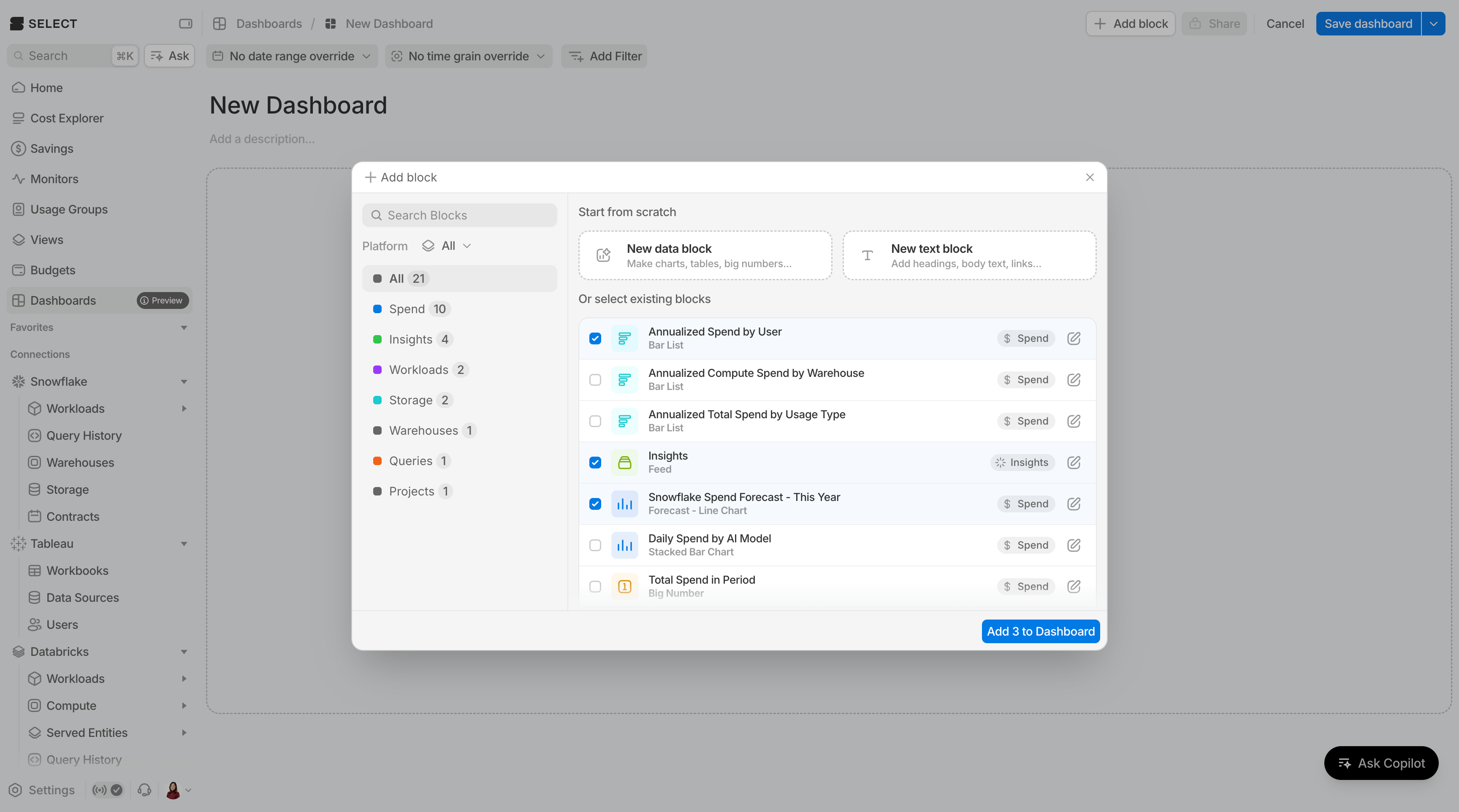
Templates are a starting point. Click the edit icon next to any template to open it in the block editor for a preview or to customize the configuration before it lands on your dashboard.
There are several templates to start, covering spend breakdowns, forecasts, top workloads and queries, insights and savings, plus platform-specific blocks for BigQuery and Databricks.
Have a block you’d like to see as a template? Let us know!