

Tracking actions and savings in SELECT
Friday, May 29, 2026
 Roozbeh AliProduct Engineer @ SELECT
 Mike Bertrand-PickfieldProduct Engineer @ SELECT
Today we're shipping Actions, a new way to log every cost-saving change in SELECT and track realized savings on your warehouses.
The existing Insights page has moved to a tab in the new Savings page, and an overview page in Savings serves as a single pane of glass for observability on both actions and insights. Resolving insights will now prompt you to log an action as well.
From the Savings page, click Log Action in the top right to record any change you've made. This could be a warehouse downsize, a query rewrite, a dropped table, or anything else related to your data. Actions are similar to project updates or memos in traditional issue-tracking software like Linear or Jira.
To view actions in more detail and see before/after spend charts for specific actions, expand them in the Actions tab on Savings. They can be edited and deleted here, and you can also link actions with Jira tickets.
Actions can be associated with specific resources (warehouses, accounts, projects, etc.), or set to Global if more general. You can also select between manual and automated savings types. For automated savings, SELECT picks up the spend before and after, and runs the math for you.
Automated savings calculations need an 8-day calibration window after the action date to compare before/after spend. You'll see a Calibrating status until that window closes.
Actions will be surfaced throughout the app in pages containing charts and activity feeds. This includes the home dashboard, warehouse pages, savings pages, and many more.
Charts by default will only show actions pertaining to the subset of resources relevant to the page, but you can adjust any chart to show any set of actions via the chart menu.
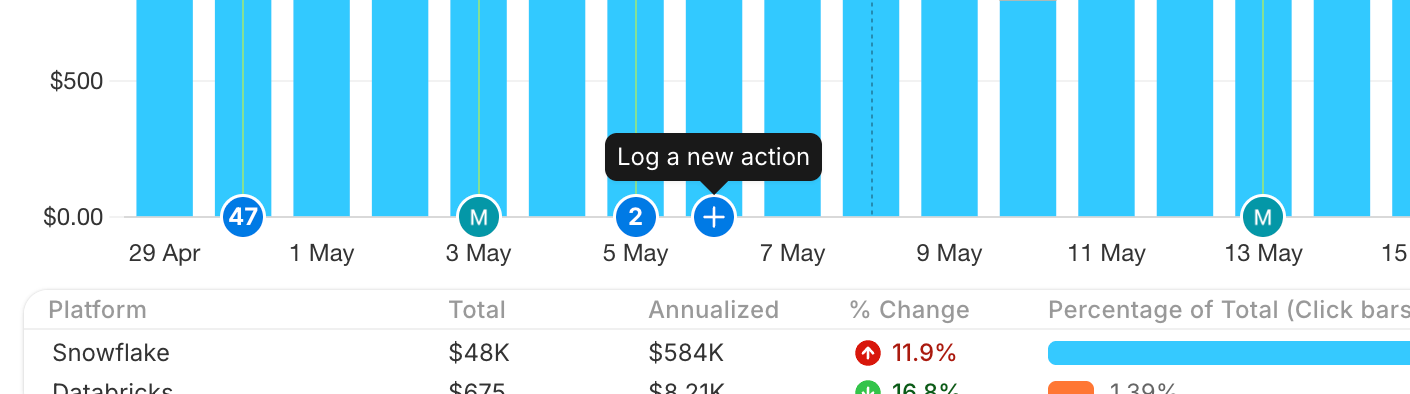
To log an action from a chart, hover the x-axis and click. Note that if the chart does not show any actions by default (i.e. on Cost Explorer), you will not see the prompt unless you first choose to display some actions.
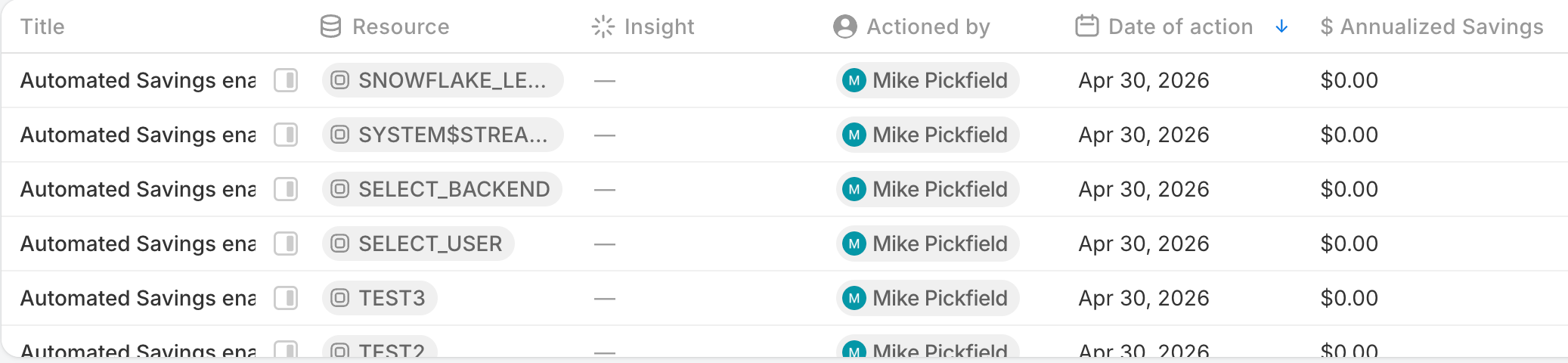
When automated savings are enabled on warehouses, actions will automatically be logged to keep track.
Actions are a strong tool for further observability into your spend over time, and will become more useful as you continue to log them. As always, reach out to our team if you have any questions or suggestions for improvements.
Other things we shipped
- 🐛 fixed a bug with
Resource Typefilters on Insights
Up next.Previous Changelog Entries.