

Announcement
A more betterer datepicker
Support for before and since date ranges, more granular relative date ranges and better ergonomics on our datepicker.
By Ian Gray
·Shipped by
Since launching custom dashboards, we received a bunch of great feedback from our users asking for some different date range options to support some dashboards they were building.
A more granular relative range selector
Do you want to see your Snowflake spend for the last 17 weeks? How about the last 8 months? 53 days? All possible now thanks to the relative range picker:
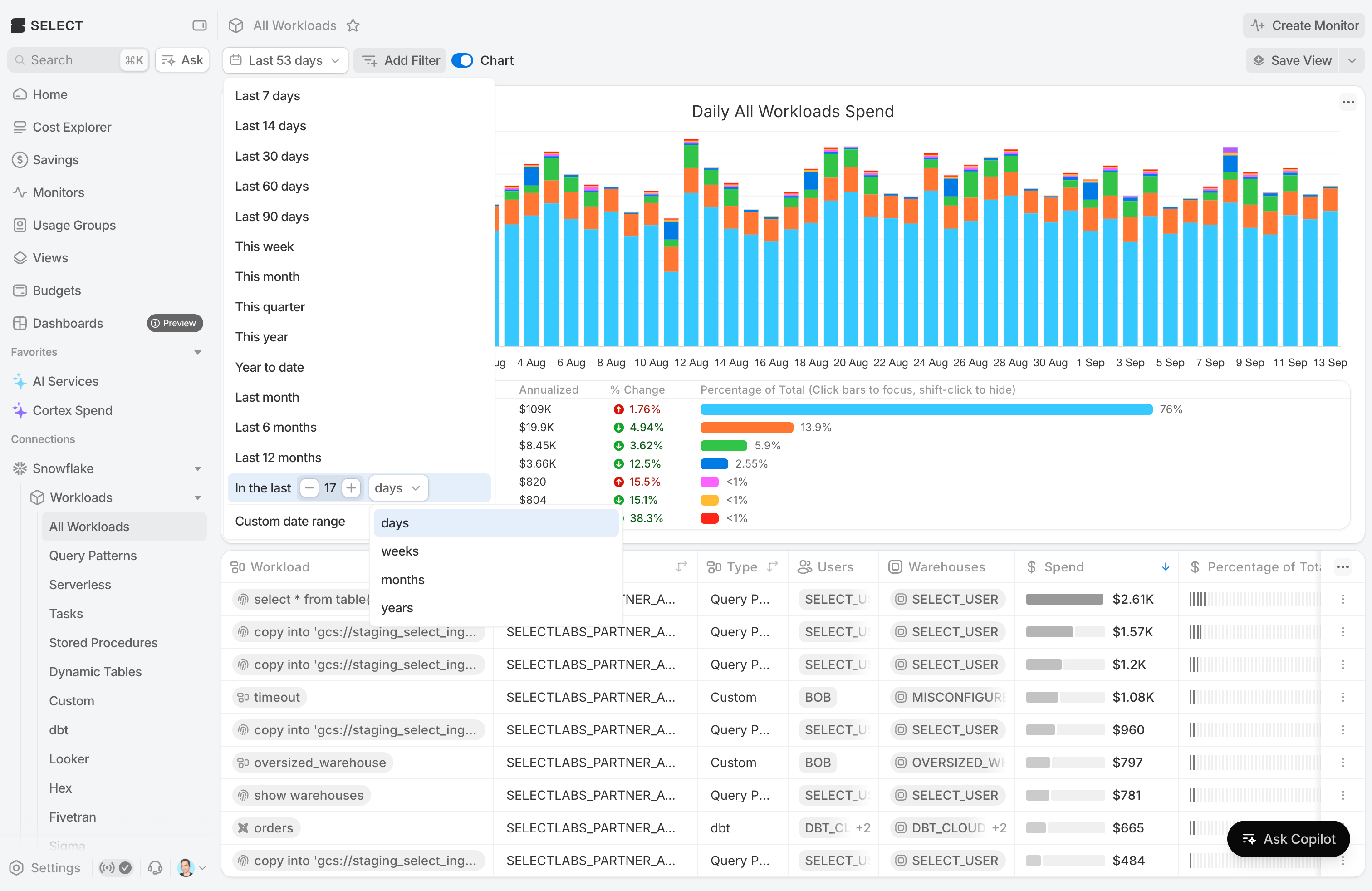
Click the date dropdown and you'll find it in the menu.
Before/after datepicker modes
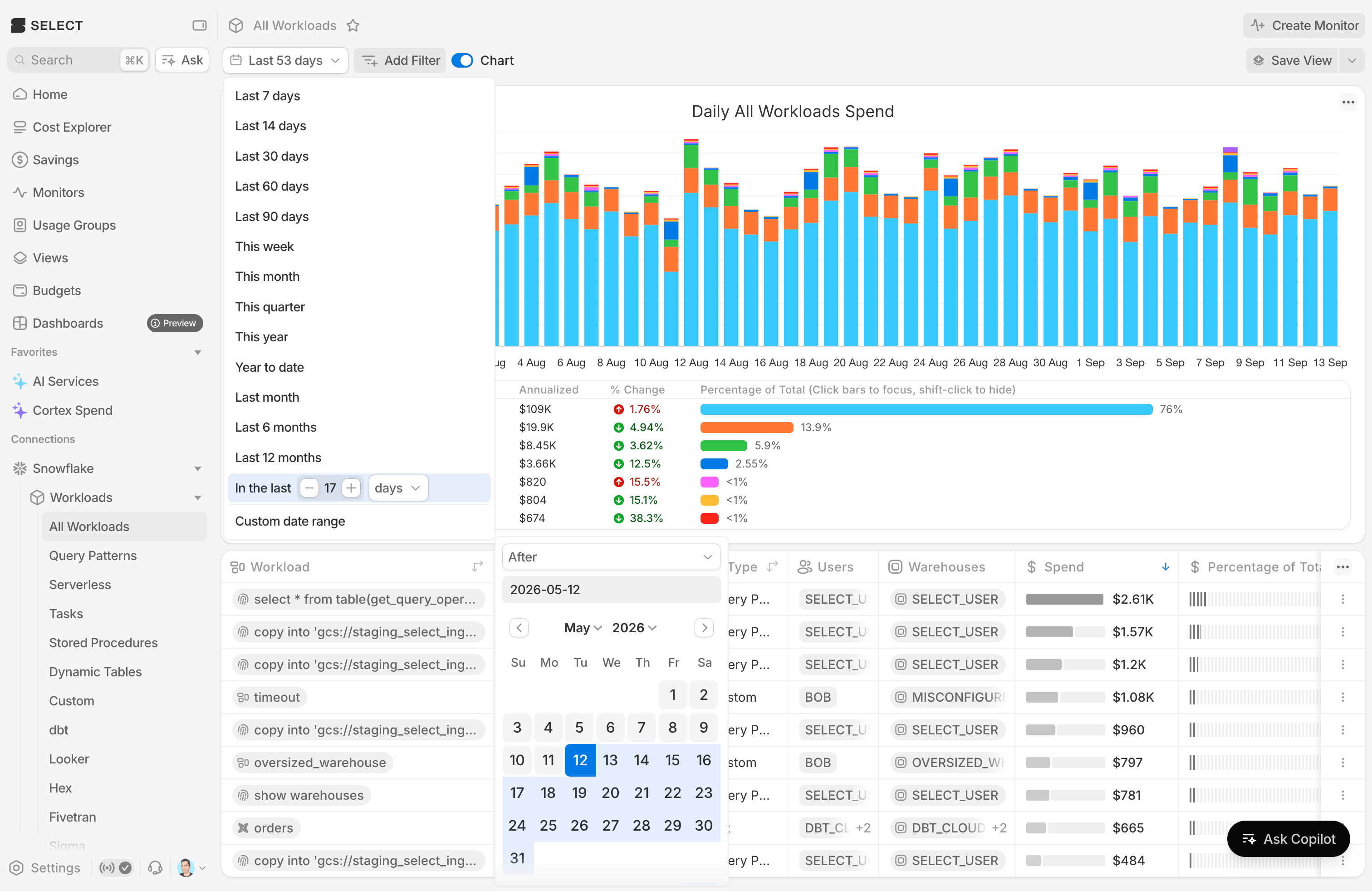
Did you launch a new initiative on July 23rd? You can see the impact from that date to today with the 'after' date mode. It's found in our revamped custom date datepicker.
ISO calendar date inputs
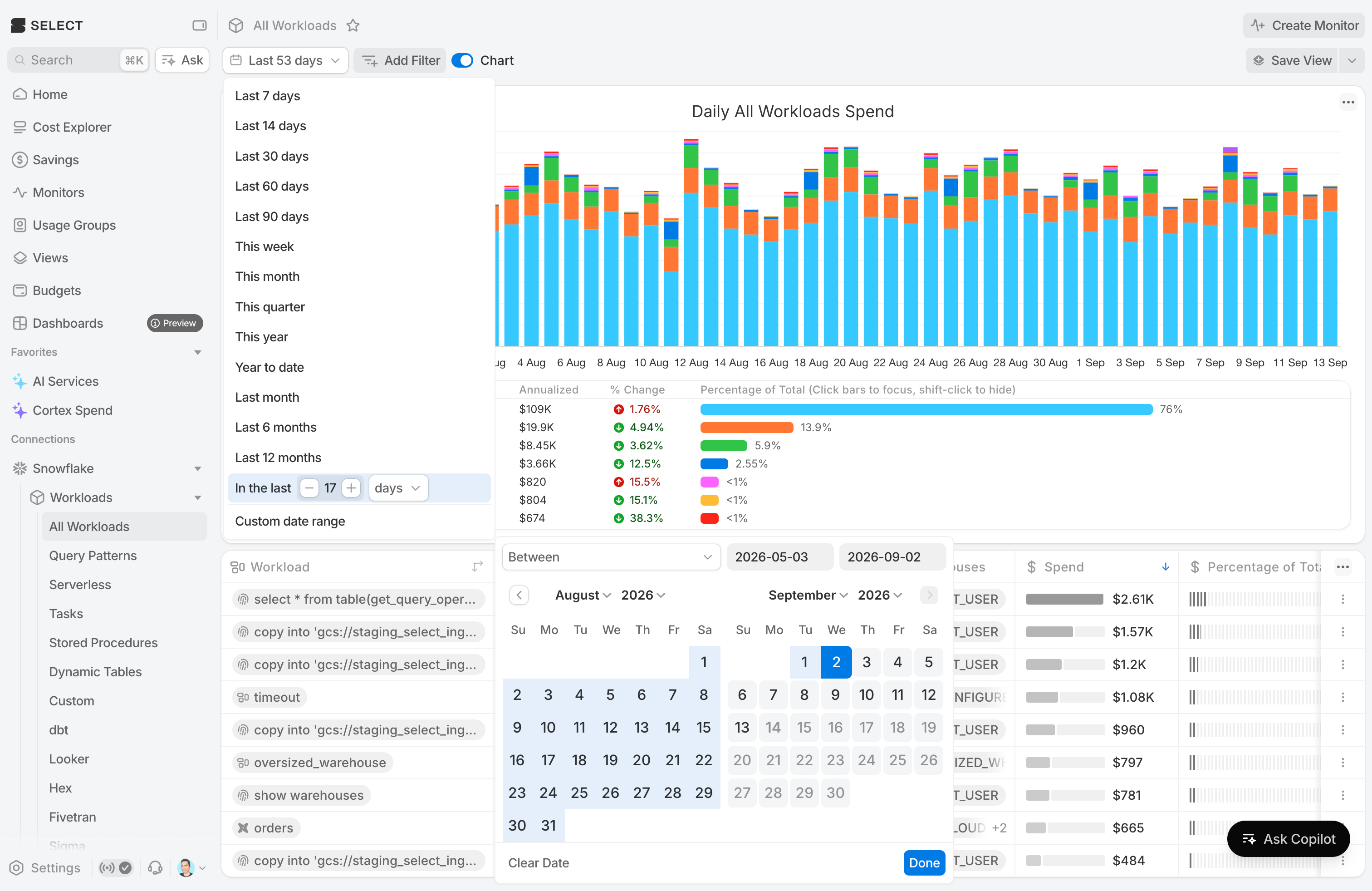
Some people prefer typing to clicking. For that group we've added the ability to enter ISO calendar dates manually in before, after, and between modes.
Happy datepicking!